364
364 What is internal linking and why is it needed?
Internal linking Interlinking is a system of links between pages on a single website that helps Google find content faster, understand its importance, and distribute authority between pages. This section is for business owners and marketers who want to manageably increase their visibility in Google and support organic traffic growth without chaotic links. Below you'll find a simple definition of interlinking, why it's important in SEO, and how it impacts navigation, indexing, and website requests.
| Task | What does it give? interlinking on the website |
|---|---|
| Weight distribution | Strengthening priority pages (categories, services, landing pages) |
| Indexing | Finds new/deeper pages faster, fewer orphans |
| Navigation | The user gets to the desired action faster |
| On-Page SEO | Logical structure + anchors = clear page topic for search engines |
Who is it suitable for: Online stores, local businesses in Ukraine, service websites, content projects, and startups seeking systematic traffic and conversion growth. Who is not suitable: For those who expect "magic buttons" without working on the site structure, content, and technical base.
Interlinking: A Simple Definition and What It Looks Like in Practice
Website interlinking is when pages on your domain link to each other through menus, breadcrumbs, "related products" sections, contextual links in the text, footer, service cards, etc. These aren't external links, but internal ones—within the same website. Simply put, internal linking is the "routes" followed by:
- users - to quickly find what they need (product, service, delivery conditions);
- Search robots - to discover pages, understand their connections and importance.
For example, a blog post about choosing a generator might link to the "Generators" category, which could then link to filters, brands, and top models. This effectively creates interlinking between pages and "hints" to search engines about which URLs are important for your business.
The Role of Internal Linking in SEO: Managed Link Juice Transfer and Understanding the Theme
In the context of SEO, interlinking works as a mechanism for distributing internal "authority" (weight) between pages. When a page has many relevant internal links, search engines tend to perceive it as more significant within the site's structure. It's also important that anchor text (link text) helps Google understand what the target page is about. This is part of On-Page SEO Basics: Together with titles, semantics, metadata, and content structure, internal cohesion enhances relevance.
Good interlinking isn't about "more links," but rather a clear logic: where to lead the user and which page to enhance for the business's purpose.
Why interlinking is important for businesses: navigation, indexing, and organic traffic growth
Proper website interlinking is a practical solution for growth: you direct user and search engine attention to pages that generate leads, sales, or inquiries. For the Ukrainian market, this is especially relevant in niches with high Google competition (services, e-commerce, local search queries by city). Key benefits: 1) Controlled weight transfer to priority URLs (services, categories, commercial landing pages). 2) Speeding up indexing: New and "deep" pages are indexed faster, reducing the risk of "forgotten" pages without incoming links. 3) Better behavioral metrics: the user finds a continuation of the journey, spends more time on the site, and converts more often. In the following sections, we will discuss how to build interlinking example for different types of sites and how to distribute weight between pages without unnecessary noise and chaos.
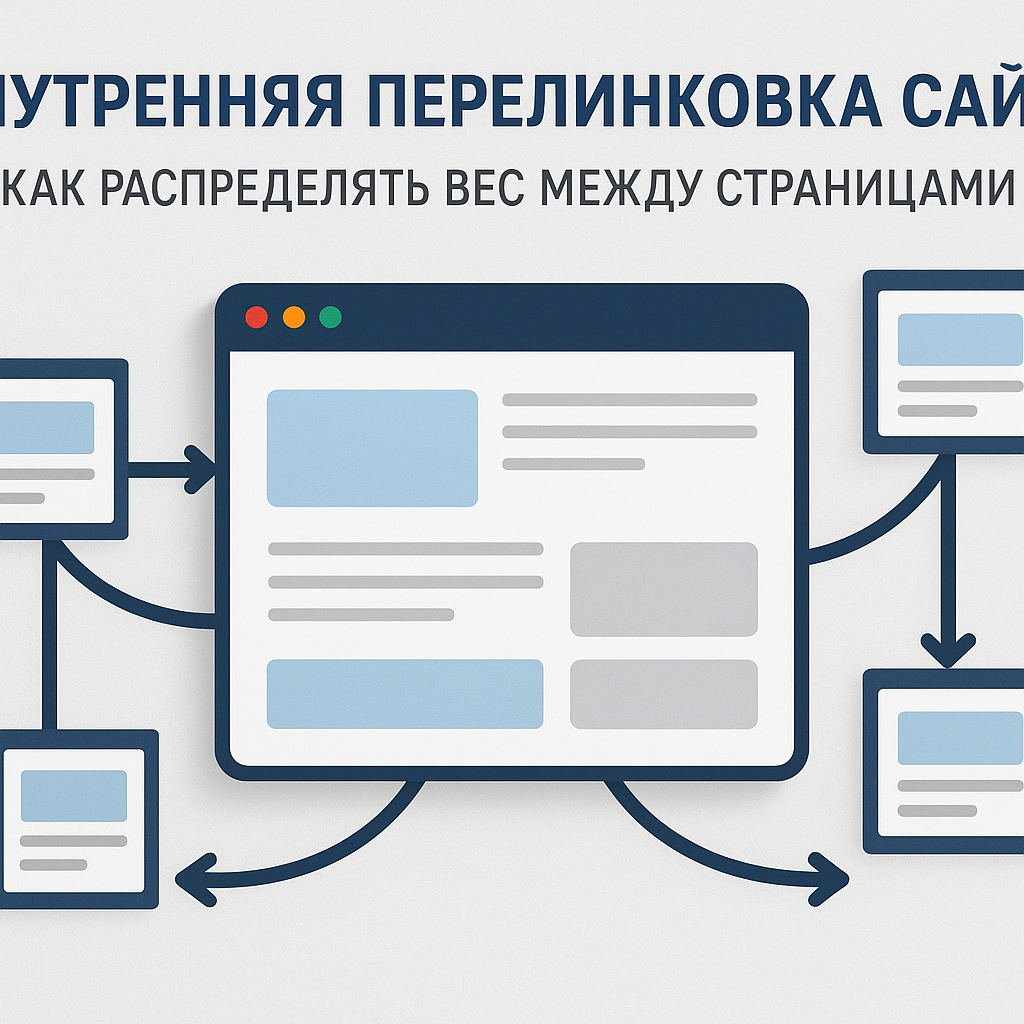
Internal Linking in the Context of On-Page SEO Basics: How Links Affect Crawling, Indexing, and Relevance
How Internal Linking Works Within the Basics of On-Page SEO
On-Page SEO is based on a simple logic: the search engine must get it page (scan), understand its content and place in the structure (relevance), and then decide, whether it should be shown on request (ranking). Internal linking — is one of the key tools that connects these stages into a manageable system. Links between pages tell Google what URLs exist, how they are related thematically, and which ones are more important for users and businesses. This is especially critical on sites with many pages (e-commerce sites, service catalogs, blogs), where without a well-designed structure, some content becomes "invisible." This is why interlinking cannot be considered in isolation: it works in conjunction with site architecture, content, semantics, and technical accessibility of URLs.
Crawling and Indexing: What Exactly Does Google Read?
When crawling a site, Googlebot follows links. The more logical the routes and the fewer dead ends, the more efficiently it uses its resources. crawl budget (Relevant for large sites, but useful for everyone). Internal links help:
- find new pages faster (for example, new products, articles, landing pages for cities in Ukraine);
- access deep levels of the catalog without unnecessary clicks;
- recognize priority: which pages have more links from key nodes (menus, categories, hubs).
Important: Google evaluates not only the presence of links, but also their quality in the context of their structure. If you're flooding your site with random links in the footer or in every paragraph, it's rarely helpful. We need a transparent approach to promotion: first, a well-thought-out architecture, then coherence. Google also takes into account technical accessibility: If a URL is linked to, but the page is closed from indexing (noindex), returns 404/5xx, or is stuck in a redirect chain, the effect of interlinking will be limited.
Relevance and Anchor Lists: How Links Enhance Semantics and Content
An anchor (link text) is a hint about the topic of the target page. Together with the semantic core and content, anchors help clarify which query clusters the page should rank for. Web-Raketa's practice: fewer links are better, but more precise—with clear, natural anchors. Anchor list (the set of anchors you use to link to a page) should be varied and natural: some should be precise descriptions of the service/category, some should be expanded versions, and some should be neutral ("more details," "view"), if appropriate for UX. Thus, internal linking becomes a tool for systematic website promotion: it strengthens thematic hubs and reduces cannibalization (when multiple pages compete for the same query) and supports organic traffic growth through a more understandable relevance structure.
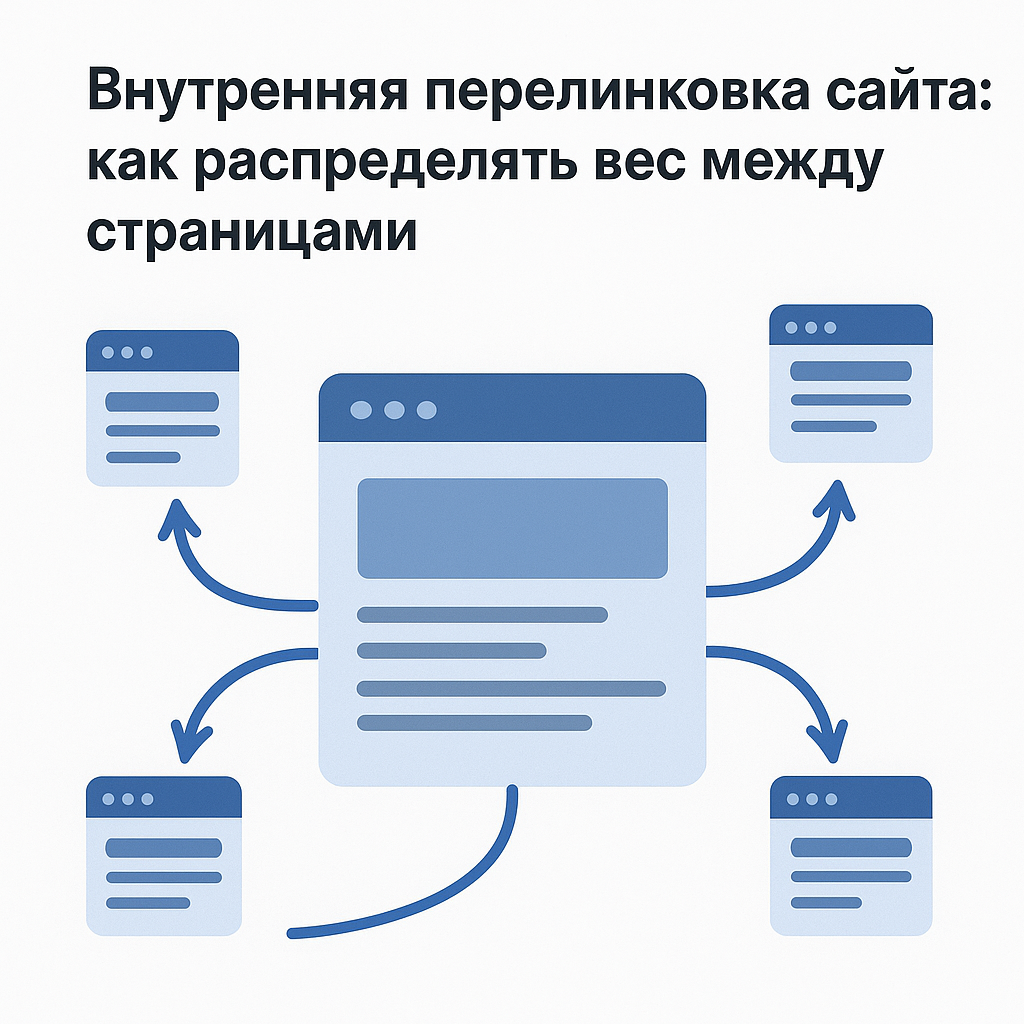
How to distribute weight between pages: hub logic, priorities, and interlinking of website pages
Hub logic: which pages should receive weight and why
To put it simply, internal weight distribution is a manageable decision: which URLs do you want to make "stronger" in Google's eyes so that they'll show up more often for commercial queries? In systematic website promotion practice, the "stronger" model usually wins. hubsYou create central pages (hubs) that collect demand and distribute it into more focused sections. Hubs are most often: categories, service pages, "service + city" pages (relevant for Ukraine), key e-commerce filters, and "pillar" articles that cover a broad topic.
"Weight shouldn't be spread across the entire site—it should be concentrated where the business values leads and sales."
In internal linking, the hub receives links from several sources: menus, breadcrumbs, content links from articles, "popular/recommended" blocks, and then passes the weight down the hierarchy to subcategories, cards, and subsidiary services.
How to Choose Target and Donor Pages: A Practical Guide
Cross-linking of website pages It starts with defining goals. The target page is the one you want to promote (get more impressions, clicks, and conversions). Donor pages are pages that already have visibility/traffic or are located in strong structural nodes and can "pass on" some of the internal value. The working logic for selection looks like this:
- Goals: pages with high commercial potential (categories, services), pages with good conversion, priority semantic clusters.
- Donors: articles that already receive organic traffic; popular categories; pages that are frequently visited from the menu/by brand queries.
- Bundle: The donor and target must be thematically close; otherwise, the link looks artificial and performs worse in terms of relevance.
Next, you build clusters from top to bottom: category → subcategory → product/service → article (or vice versa, when an article increases the weight of a category). It's important that links within a single cluster create a clear path: from a general choice to a specific solution.
Clustered Linking Without Manipulation: How to Boost Google Visibility
To internal linkingTo improve your visibility in Google, use a predictable structure and a moderate number of links. Google evaluates the link context, placement (content is usually more important than the footer), anchor text, and the proximity of the donor topic to the target.
| Cluster element | Where to refer | For what |
|---|---|---|
| Category/service (hub) | Subcategories, key filters, top positions | Transfer weight down and improve navigation |
| Article (info) | Hub + relevant subcategories | Increase the weight of commercial URLs and link the intent |
| Product/sub-service | Category, alternatives, related solutions | Reduce dead ends and increase viewing depth |
Rule of thumb: first, achieve a clear architecture and semantic consistency (the foundations of On-Page SEO), and then strengthen the relevant pages with links from related content. This way, you grow not through tricks, but through a transparent approach to promotion.
Types of internal links and where to place them: menus, breadcrumbs, content blocks, footer, and cross-linking on a website
Navigational interlinking: menus and breadcrumbs as a website "framework"
Navigation links are the base layer on which the internal interlinking: main menu, mobile menu, categories/sections, breadcrumbs, and sometimes filters and tags (if thought through). Their purpose isn't to "magically boost SEO," but to ensure a clear structure and accessibility of key URLs for users and Google. The menu should lead to priority hubs: core services, categories, and commercially important sections (delivery/payment is more for UX than for weight). Breadcrumbs help two things at once: they improve navigation and create a clear hierarchy of "category → subcategory → product/page." For Ukraine, this is especially important for local promotion: if you offer a service in several cities, the navigation should reflect the logic of "service → city" (but without hundreds of duplicates and menu overload). This is part of the foundation of On-Page SEO: structure + clear URLs + correct coherence.
Contextual links and "related/recommended" blocks: where interlinking provides the most benefit
Contextual interlinking on the website On a website, these are links within the text or description of a category or service. This is usually the most effective way to convey meaning: the anchor and surrounding text tell Google what the landing page is about and why it's related to the current page. Blocks like "Similar Products," "Customers Also Bought," "Recommended Services," and "Related Articles" are a semi-navigational format that simultaneously:
- increases the viewing depth and the likelihood of a purchase/application;
- removes dead ends (especially on product/service cards);
- redistributes internal weight within a cluster (category ↔ product ↔ article).
For online stores in Ukraine, recommendation blocks on product cards and in categories are a must-have, but it's important to ensure relevance (avoid showing "random" products for the sake of link count). For service websites, "Related Services" and "Useful Materials" blocks on service pages work well—they build trust and support organic traffic growth through informational queries.
Sitelinks and Footers: When to Use Carefully
Cross-linking is links that are repeated across multiple pages (footer, sidebar, template blocks). It's useful when you need to consistently provide access to important sections: contacts, key categories, about the company pages, and sometimes popular services. However, there's a risk of overloading the site and blurring priorities, especially if the footer contains dozens of similar links to all cities and services. A practical approach: keep only what supports navigation and business logic in the footer, and reinforce specific clusters through context and "related/recommended" links. This is how internal linking works. interlinking works as a systematic website promotion, not as a set of template links.
"The footer isn't the place for all your SEO; it should support the structure, not replace it."
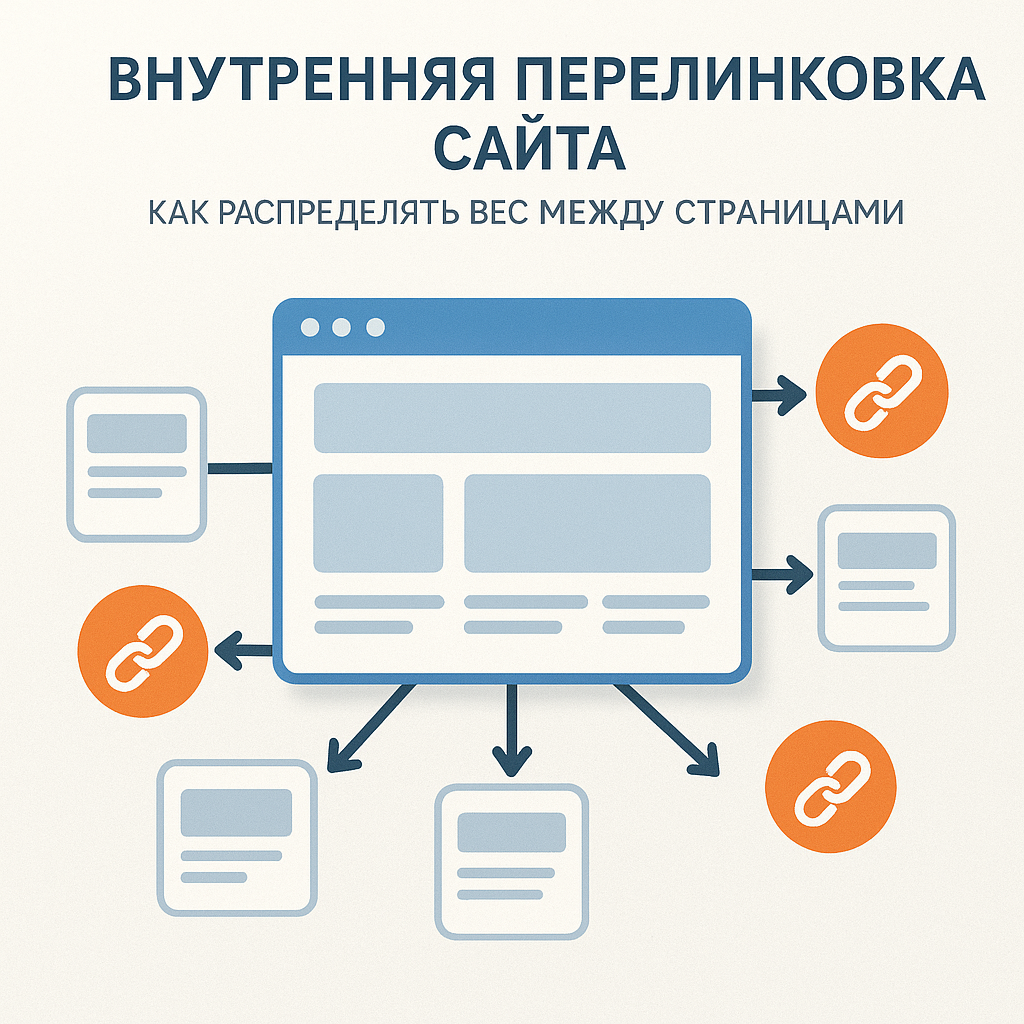
Anchors and context: how to do SEO interlinking safely and effectively
Anchor Types: How to Distribute Precision and Maintain Naturalness
In internal linking, an anchor (link text) isn't just a clickable phrase, but a relevance signal. It helps Google better understand the target page's content and which keyword clusters it should rank for. However, balance is key in SEO linking: identical "exact" anchors on dozens of pages look unnatural and can lead to over-optimization. A rule of thumb: for each page you're promoting, create a mixed anchor list and use it in different places on the site. The main types are:
- Accurate (exact): matches or is close to the keyword (e.g. "coffee machine repair").
- Diluted (partial): key + clarification/context ("coffee machine repair in Kyiv", "office coffee machine repair service").
- Branded: company/project name (useful for trust and navigation).
- URL/neutral: "on the website", "more details", "see prices" - are suitable when UX is more important than keyword accuracy.
For Ukrainian businesses, geo-referencing (city/district) is often important. It's better to include them in well-defined anchors and content near the link, rather than turning every link into a "keyword + city" link.
Context Around a Link: What Helps Google Understand Relevance
Google evaluates not only the anchor text, but also the surrounding text: the paragraph, the heading, the page block, and the overall topic of the donor site. Therefore, it is safe internal linking It's built on thematic proximity: an article about choosing a generator logically refers to the generator category and a power guide, not to "flower delivery" just because a link is needed. The most reliable places for conveying meaning are: 1) contextual links in the text (within the relevant paragraph); 2) "related services/products/articles" blocks, if they are generated according to the topic and not randomly; 3) descriptions of categories and service pages—as part of the foundation of On-Page SEO (semantics + content + structure).
Frequency, Repetition, and Anti-Over-Optimization: A Transparent Approach to Promotion
To ensure SEO interlinking remains useful and "safe," focus on user logic: a link should help them take the next step. There are no universal standards in terms of numbers (it depends on the length of the text and the type of page), but there are clear limitations: avoid placing 3-5 links with nearly identical keywords in a single paragraph, and don't duplicate the same anchor text on the target page on every page of the site.
| Risk | What does it look like? | How to fix |
|---|---|---|
| Re-optimization | Repeating the exact anchor dozens of times | Mix anchor types, reduce repetitions |
| Weak relevance | Links "anywhere" without a topic | Refer within a cluster, strengthen hubs |
| Link spamming | Too many links in the text/template | Leave only those that help navigation and conversion |
The transparent approach to advocacy is simple: you define your target pages in advance, write an anchor list, place links where they improve the user journey, and measure the results (visibility, clicks, conversions). This provides a systematic boost to Google visibility without manipulation.
Step-by-step implementation plan: Proper website interlinking in 7 steps
Proper Website Interlinking: A 7-Step Algorithm
Below is a practical tutorial that helps you implement internal interlinking As a system, not a collection of random links. The logic is simple: first, we organize the structure (the basics of On-Page SEO), then we prioritize, then we add links and monitor the results.
- Audit of page structure and accessibility. Check for "orphans" (pages without internal links), whether important traffic is diverted to 404s/redirects, and whether important URLs are blocked from indexing. At the same time, assess the depth: key commercial pages should be accessible in 2-3 clicks.
- Create a priority map. Divide URLs into groups: "monetary" (categories/services), "supporting" (articles/guides), and "technical" (delivery, contacts). For Ukraine, a "service + city" layer is often added—but only where there is demand and unique value.
- Select target pages to boost. Typically, these are 10-30 URLs that generate or should generate leads/sales. Immediately capture target queries and intent (commercial/informational) so that interlinking SEO enhanced relevance, not confused it.
- Identify donor pages. Donor pages are pages with high traffic, high visibility, or those located in strong navigation nodes (categories, hubs, popular articles). The idea is: the donor and target pages should be thematically related.
- Design link block templates. For example: "Similar products," "Related services," "Useful articles," "Frequently chosen." This speeds up implementation and makes systematic promotion of the site scalable.
- Collect an anchor list and frequency rules. Mix exact/diluted/branded/neutral anchors; avoid using the same exact anchors across dozens of pages. Tie anchors to the context of the paragraph.
- Implement, then measure and adjust. After publishing, give it time to crawl, then compare visibility and behavior: what has increased, where cannibalization or link spamming has occurred, which blocks generate the best traffic.
"Strong interlinking — this is when each link is explained: why it is needed by the user and which page you are enhancing."
Mini-checklist before implementation: to avoid losing the effect
Before adding links en masse, check the basic conditions; otherwise, internal linking will be less effective.
- Key pages are open for indexing and return 200 OK (without redirect chains).
- There is a clear hierarchy: hub → subhubs → details (products/subservices) + supporting content.
- The links don't conflict with the UX: they don't interfere with reading and don't look forced.
- Anchors reflect the actual content of the page, not just a keyword.
Monitoring Results: What to Watch in the First 2–6 Weeks
Interlinking The effect isn't immediate: Google needs to re-crawl the pages and re-compile the signals. In the first few weeks, monitor the following: an increase in clicks on internal links (in Analytics), changes in indexing and visibility of priority URLs, and the redistribution of traffic between similar pages. If you see that the "wrong" pages are gaining traction, re-compile the donors, adjust the anchors, and strengthen the hubs. This is the transparent approach to promotion: hypothesis → implementation → measurement → adjustment.
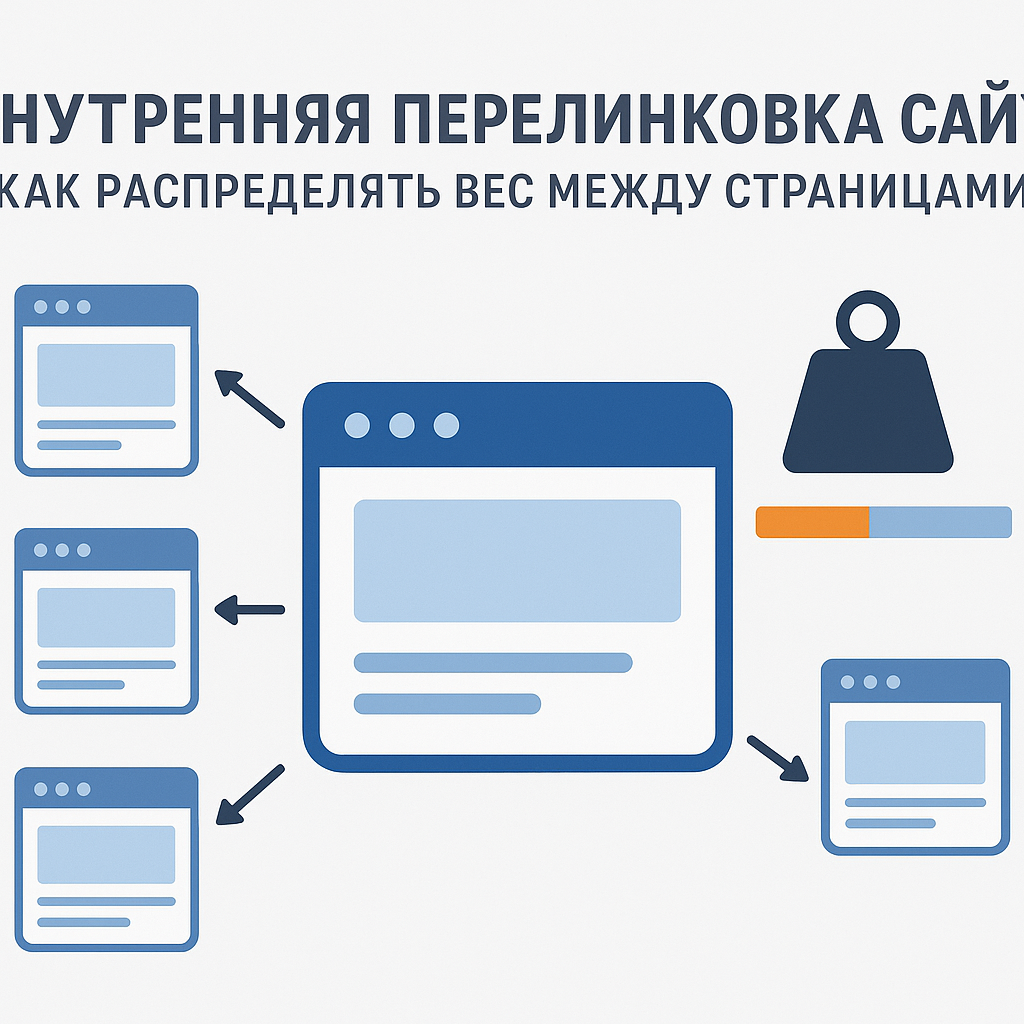
Interlinking example: schemes for a blog, services, and an online store (Ukraine)
Blog and content marketing flow chart: pillar → clusters → commerce
If you have a blog as a source of organic traffic, internal interlinking The content should convert information traffic into clear clicks to commercial pages. The working scheme: one "pillar" article covers a broad topic, surrounded by 6-20 articles on specific topics. All materials are interconnected and lead to a hub (category/service). An example of interlinking for a company selling air conditioners: Pillar: "How to choose an air conditioner for an apartment" → clusters: "Inverter or conventional", "Power calculation", "Top brands", "Installation and maintenance" → links to the "Air conditioners" category and the "Air conditioner installation" service. To make this a practical solution for growth, add 1-2 contextual links to each cluster article: one to the pillar (to strengthen the content hub), the second to a commercial URL on the topic of the paragraph (to convey value and conversion). This is part of the foundation of On-Page SEO: structure + relevant anchors + content coherence.
The layout for a service website for Ukrainian cities is: "Service → City → Cases/FAQ"
For local SEO in Ukraine, it's important not to create hundreds of identical "service + city" pages, but to build a cluster around real demand and unique value. The central hub is the general service page, while local pages reinforce it and reap some of the value through logical navigation. A practical structure:
- Hub: "Coffee Machine Repair" (general service) - explains the process, prices, and warranties.
- Local landing pages: "Coffee machine repair in Kyiv / Lviv / Dnipro" - details of departure, deadlines, addresses, service areas.
- Support: "Common Breakdowns", "How to Care", "FAQ", cases/reviews around the city.
Internal linking It works both ways: local pages link to the general hub (strengthening it for the service), and the hub links to key cities (helping rank locally). Additionally, articles and FAQs on issues link to the relevant city/service to generate information demand and convert it into requests.
Online store layout: categories, subcategories, filters, and cards
In e-commerce, the main risk is to dilute the weight across thousands of URLs (especially due to filters). Therefore interlinkingThe website's design should support hierarchy: categories as hubs, subcategories as clusters, cards as end pages, and filters—only those that are actually needed for search. For a more in-depth discussion, see SEO for an online store, and it is better to plan individual landings through SEO for online store categories.
| Level | Where do we put links? | For what |
|---|---|---|
| Category (hub) | Subcategories, top brands, 5-10 popular products | Focus your weight and set priorities |
| Subcategory | Category, key filters (if SEO-targeted), products | Strengthen the cluster and facilitate selection |
| Product card | Category, "Similar", "People also bought this" | Remove dead ends and increase conversion |
This approach provides systematic website promotion: you increase your visibility in Google for priority categories without manipulating algorithms, but by building a clear structure and useful navigation for users.
"The clearer the product selection path within a site, the easier it is for search engines to determine which pages are truly important."
Mistakes and risks: cannibalization, orphans, loops, site-wide links, nofollow, and click depth
Common mistakes that hinder organic traffic growth
Even if you already have one internal linkingLinking can work against you: it can blur priorities, create duplicates, and confuse Google when choosing a landing page. As a result, rankings and conversions suffer, even though your site appears to have many links. The most common failures are: 1) Cannibalization. Several pages compete for the same keyword cluster (for example, "water delivery Kyiv" and "order water Kyiv" on different URLs with nearly identical content). In this case, interlinking doesn't enhance but rather divides the ranking power between competitors. 2) "Orphans". Pages without incoming internal links (or only from a sitemap) often perform worse in indexing and contribute almost nothing to search engine rankings. This is a common occurrence on large websites: new categories, landing pages for Ukrainian cities, and redesigned articles. 3) Loops and chains. Links that send the crawler in circles (A → B → A) or lead through long redirects. This impairs crawling and eats up crawling resources. 4) Excessive through blocks. When the footer/sidebar contains dozens of identical links to all services/cities/categories, this dilutes the internal weight and detracts from the focus of the hubs. 5) Incorrect nofollow inside the site. There's usually no point in setting nofollow on internal links en masse: you're making things more difficult for the crawler and losing control over how the weight is distributed (there are some isolated exceptions, but this isn't a standard practice). 6) Click depth. If an important commercial page is only accessible in 5–7 clicks, it will struggle to compete in search: fewer internal signals, worse crawling, and lower priority.
How to Recognize and Fix: A Checklist for Relinking
Below is a compact checklist that helps you quickly bring SEO interlinking into line with systemic logic (and this is directly related to the fundamentals of On-Page SEO: structure, relevance, and technical accessibility).
- Find the "orphans" and add at least 2-3 incoming links: from the hub (category/service), from a relevant article, from the “similar/recommended” block.
- Check for cannibalization: There should be one main URL for each group of queries. The remaining ones should either be used as support (links to the main one) or merged/reworked.
- Remove irrelevant links: if there is no logic for the user, there is no sustainable SEO effect.
- Shorten your sitelinks in the footer before the really important sections; reinforce them with context within the cluster.
- Check the click depth: key pages are 2–3 clicks away; for stores, this is usually category → subcategory → product.
- Make sure internal links are 200 OK, without 404 and long redirect chains.
Risks of "duplicates" and incorrect priorities: what is particularly critical for Ukraine
Ukrainian projects often scale pages to cities and districts. If these pages replicate each other (using identical text, blocks, and anchors), interlinking begins to emphasize duplicates rather than unique landing pages. The result is unstable Google visibility and weak organic traffic growth. A practical solution: establish priorities (which cities are truly important), make local pages unique in their meaning (departure zones, prices/timeframes, case studies, FAQs), and build internal linking so that local URLs support the main service hub rather than compete with it.
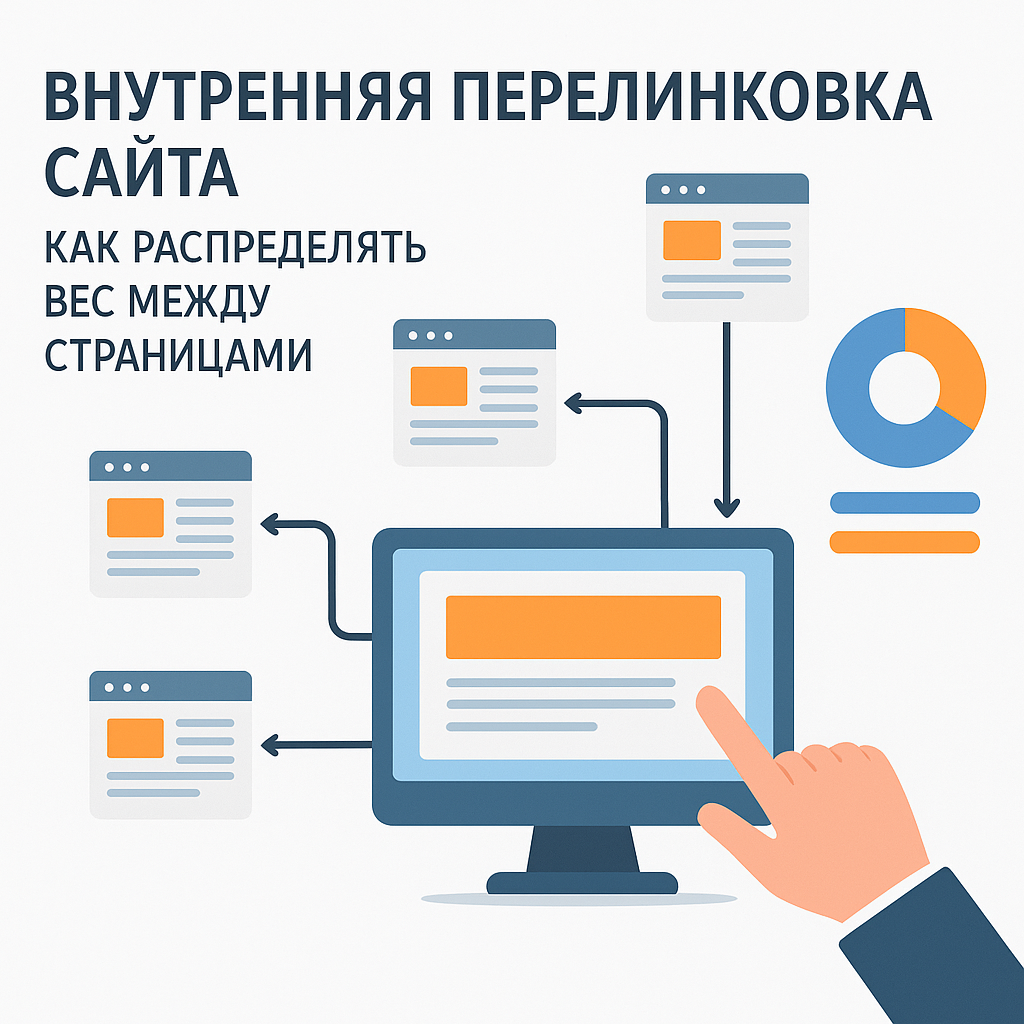
How to Measure Effectiveness: Metrics, Tools, and a Mini-Audit of Website Interlinking
What metrics will show that internal linking has worked?
The effect of interlinking rarely looks like "yesterday there was no traffic, today there is." It's effective SEO: a gradual reprioritization, improved crawling, and increased visibility on relevant pages. Therefore, it's important to measure not just rankings, but a whole range of signals—from indexing to conversions. Key metrics after implementation:
- Clicks and impressions in Google Search Console by priority URLs (services, categories, local landing pages for cities in Ukraine).
- Percentage of pages in the index and the speed at which new/updated URLs appear in indexing.
- Click depth (how many transitions from the main to commercial pages) and a reduction in the number of "orphans".
- Internal passages (in analytics): is the share of clicks to target pages from articles, categories, and "recommended" blocks growing?
- Conversions: organic requests/purchases and assisted conversions after clicks on internal links.
If you see changes only in the number of links, but no shift in clicks/impressions or conversions, you've added "noise" rather than strengthening hubs and relevant routes. This is directly related to the fundamentals of On-Page SEO: structure and meaning are always more important than volume.
Tools: GSC, crawling, logs, and "PageRank-like" weight
To control quality, use a combination of tools—this way you'll see both "what Google thinks" and "what's actually happening on the site." Google Search Console: "Performance" (by pages and queries), "Page Indexing," and "Crawl" (crawl statistics) reports. See which URLs are most frequently included in search results and which are not. Crawlers (Screaming Frog, Sitebulb): These tools will help you find pages with few internal incoming links, URLs that are too deep, redirects/404s, and also display the structure as a graph. Some tools also calculate internal "link equity" or "PageRank-like" weight—this isn't Google's actual PageRank, but it's a useful model for comparing which pages receive more internal weight and whether this aligns with your priorities. Server logs (if available): Provides an honest picture of crawl activity: which URLs Googlebot visits, how often, and where it encounters errors or loops. This is especially useful for online stores.
Mini-audit in 30 minutes: what to check after implementation
To quickly understand whether it is moving in the right direction internal linkingovka, go through a short checklist:
| Examination | Where to watch | What should be |
|---|---|---|
| Target pages receive more internal inbound links | Crawler | Inlink growth + donor thematic proximity |
| The depth of key URLs is decreasing | Crawler/structure | 2-3 clicks to categories/services |
| Impressions/clicks on priority URLs are growing | GSC | Smooth growth in 2-6 weeks |
| There is an increase in internal transitions and conversions | GA4/analytics | More paths: "article → service/category → request" |
Then, proceed iteratively: strengthen those clusters where GSC movement is visible, remove irrelevant links, and adjust anchors. This is what systematic website promotion is all about: transparent hypotheses, measurement, and improvement.
FAQ: Questions about page interlinking and proper website interlinking
How many internal links can be placed on one page?
There's no hard "limit": Google evaluates the entire page, not just the number of links. In practice, focus on user value and a clear structure. For a product card or service page, navigation links (menu, breadcrumbs) are usually sufficient, plus 3-10 thematic links in "related/recommended" sections or in the text, if any. For longer articles (such as guides), the number can be higher, but only if each link is clearly explained in context. Adding links "for SEO" often reduces readability and blurs priorities, making internal linking unmanageable.
How often should links be updated and is it possible to link to commercial pages from articles?
Updates should be based on events rather than a calendar: the launch of a new category or service, the addition of a content cluster, expansion across Ukrainian cities, or significant changes in demand or product range. A good practice is to conduct a mini-audit every 1-3 months: check "orphaned" pages, click-through rates, and which pages are actually receiving clicks in Google Search Console. Linking from articles to commercial pages is not only possible but also necessary—if it makes sense based on intent. An article covers the informational question, and the link leads to the next step: choosing a product, ordering a service, or calculating the cost. This is a normal part of On-Page SEO: you connect content and commercial content, strengthening relevance and increasing conversion. It's important to maintain a balanced anchor list and avoid turning each article into a series of "buy/order" links.
"If a link helps the reader solve a problem faster, it's almost always safer and more useful for SEO."
What to do with filters, multilingualism (ua/ru) and regions?
Be careful with filters in your online store: not all filters need to be indexed and not all need to receive internal links. Typically, a limited set of filters/combinations that have stable demand (e.g., brand, type, key feature) are targeted for SEO and form separate landing pages. The remaining filters are left for user convenience without active internal linking, so as not to inflate the number of weak URLs and dilute their search weight. For multilingualism in Ukraine, it's crucial to properly separate versions: each ua and ru page should have its own version with corresponding language URLs, and interlinking within a language should primarily lead to pages of the same language. A navigation language switcher is allowed, but it's best not to mix contextual links in the text (a ru page links to ru pages, and a ua page links to ua pages). At the same time, ensure that the cluster structure is symmetrical: the same service/category hubs are used in both language versions; otherwise, one version will be systematically stronger and will steal visibility. Regional pages ("service + city") should be implemented selectively: only for cities and destinations where there's demand and where you can provide unique value (address, departure zone, timeframe, case studies). Then, internal linking becomes a tool for systematically promoting the site, rather than a generator of duplicates.
Summary
Internal linking isn't about "adding more links," but rather building a manageable structure where Google and the user equally understand which pages are primary, which support them, and how to logically navigate between them. When links are distributed across hubs and clusters, you direct internal link equity to the categories, services, and landing pages that drive leads, while simultaneously improving crawling, indexing, and relevance—the foundational elements of On-Page SEO. From a practical perspective, correct website interlinking It solves three problems at once: it speeds up the discovery and crawling of important URLs, reduces the number of orphans and dead ends, and helps improve Google visibility without manipulation—through thematic links and natural anchors. For projects in Ukraine, this is especially noticeable in local services by city and in e-commerce: a well-designed "category → subcategory → product/service → article" link ensures stable organic traffic growth and supports the conversion path. The next step is to follow the checklist: identify priority target pages, select relevant donors, implement template blocks (similar/recommended), prepare anchor lists, and update content links where it helps the user. After implementation, measure the effect not by perception, but by metrics: clicks/impressions in GSC, click-through rate, indexability, weight distribution across internal models, and conversion growth. This transparent approach to promotion turns internal linking into a tool for systematic website promotion and digital business growth.