


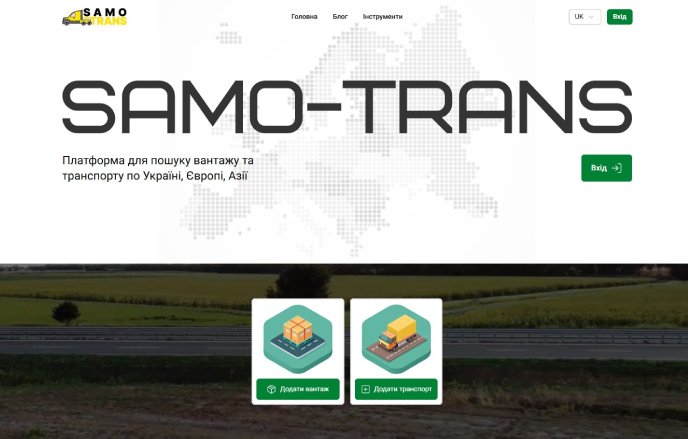

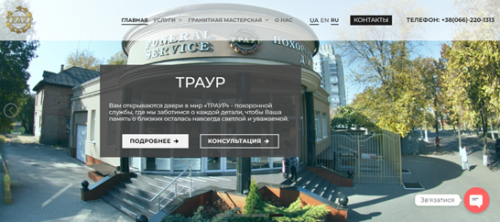
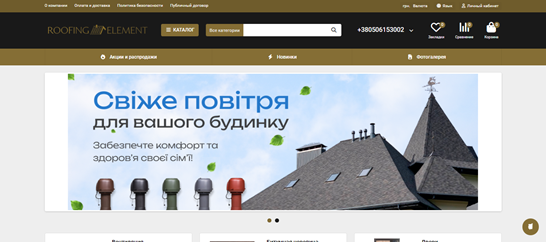

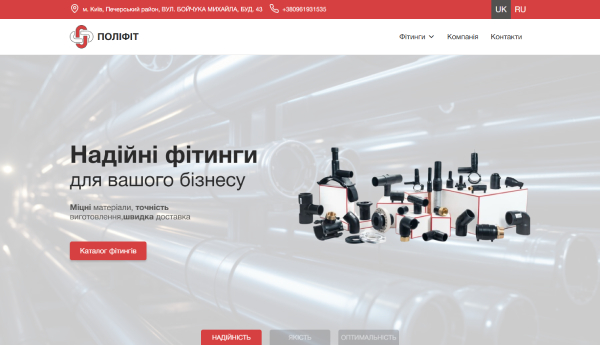
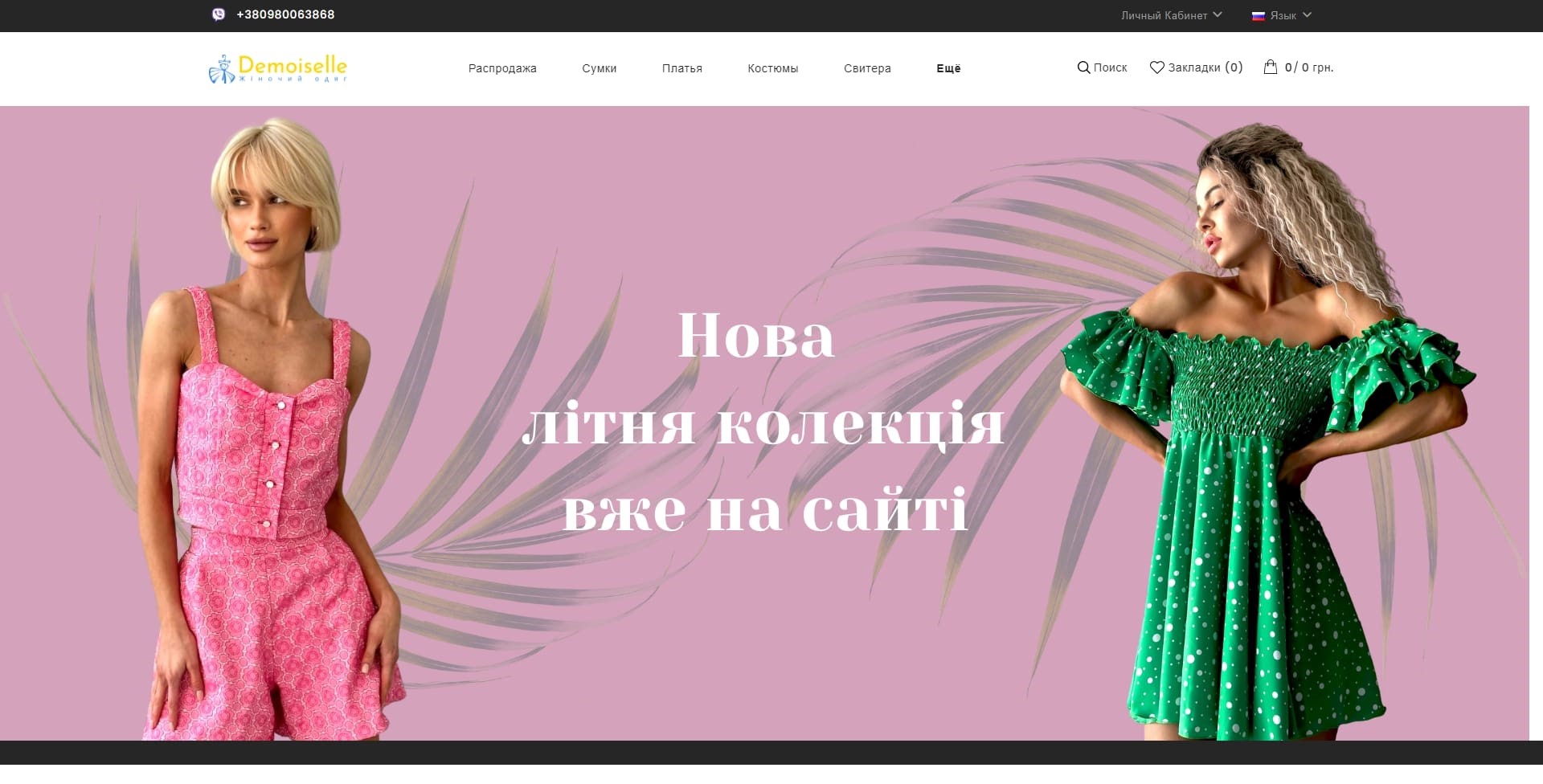
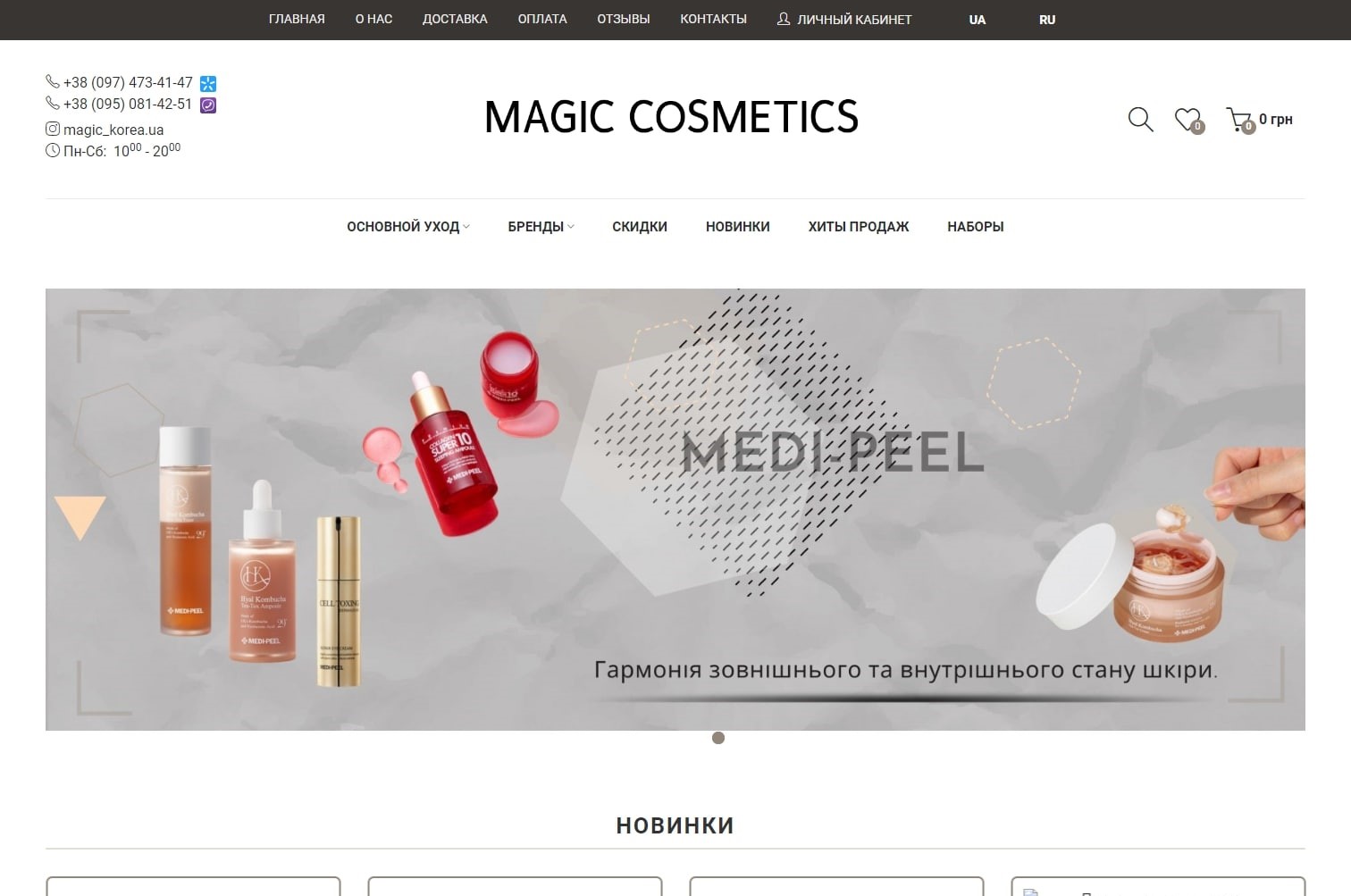
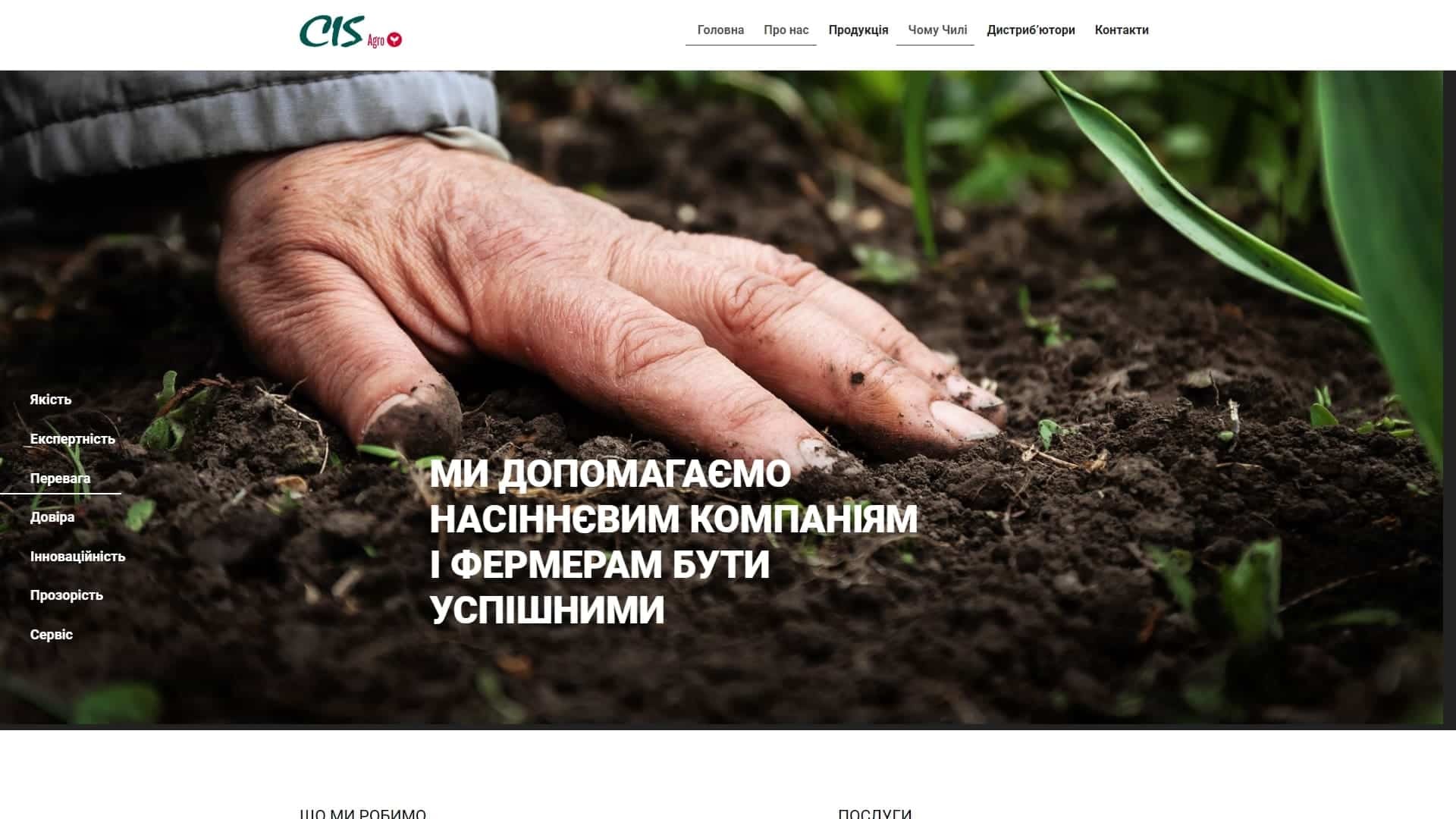
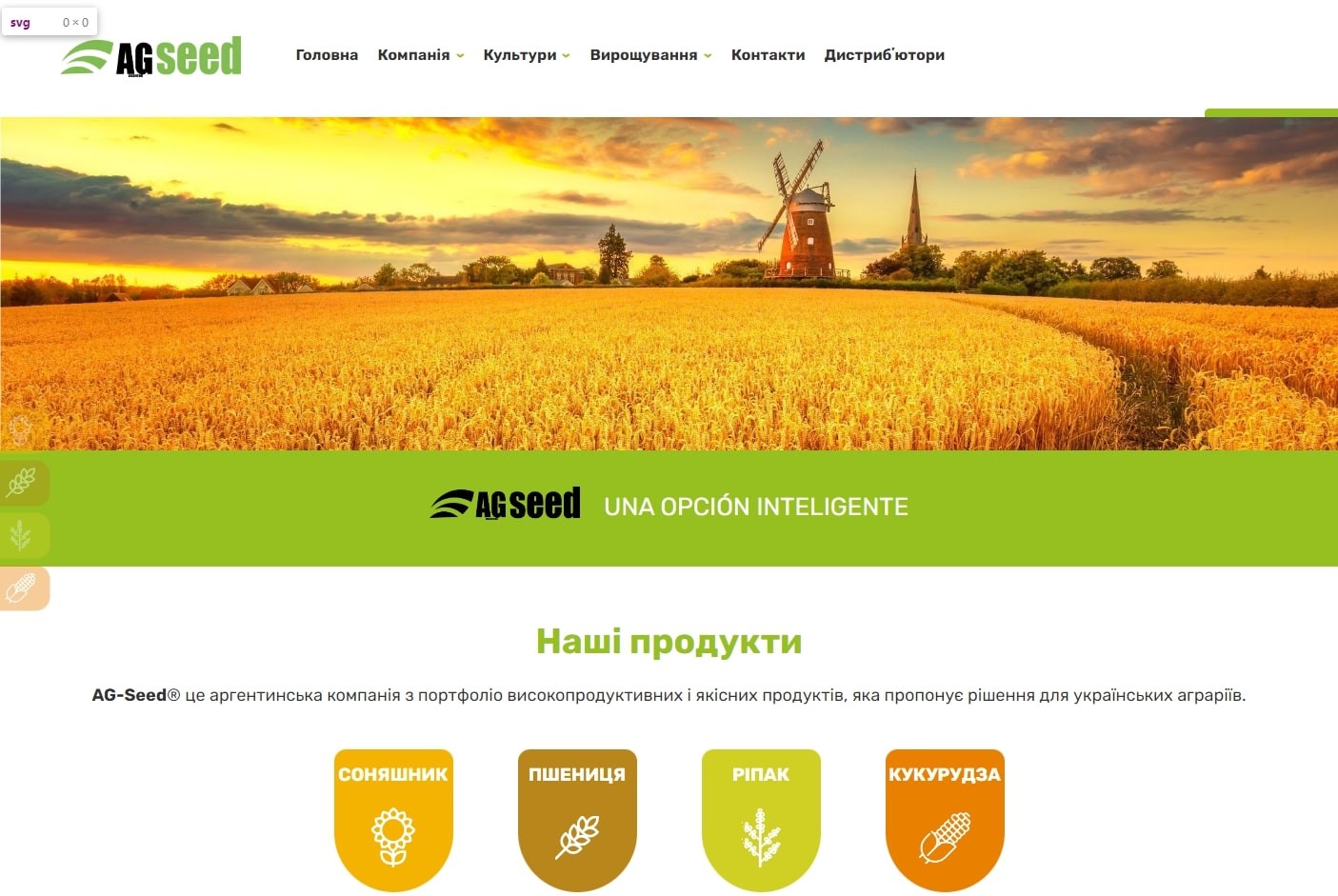





Creating a website on WordPress — is a solution for businesses that need a manageable, SEO-ready, and user-friendly website without being tied to a closed platform. With WordPress, you can launch a service website, a corporate website, a blog, a catalog, a landing page, a WooCommerce online store, or a content project designed for search traffic.
At Web-Raketa, we develop turnkey WordPress websites: we think through the structure, prepare the design, and create responsive layouts. We set up CMS, ACF, and custom post types., basic SEO, speed, security and post-launch support.
Leave a requestto discuss the project, get advice, and choose the optimal WordPress website development format.
WordPress website development for business needs
WordPress is a flexible CMS, which is suitable not only for blogs but also for commercial websites, catalogs, corporate projects, online stores, and SEO content platforms. A WordPress site can be developed gradually: add new pages, services, cities, articles, forms, filters, integrations, and landing pages for advertising or organic traffic.
Developing a WordPress website shouldn't be limited to installing a template and a few plugins. The right approach starts with structure, a clear path to future development, admin panel usability, loading speed, security, and scalability. Therefore, before launching, it's important to understand what types of pages are needed, how the content will be updated, who will be managing the site, and what tasks the project should address.
What websites can be created with WordPress?
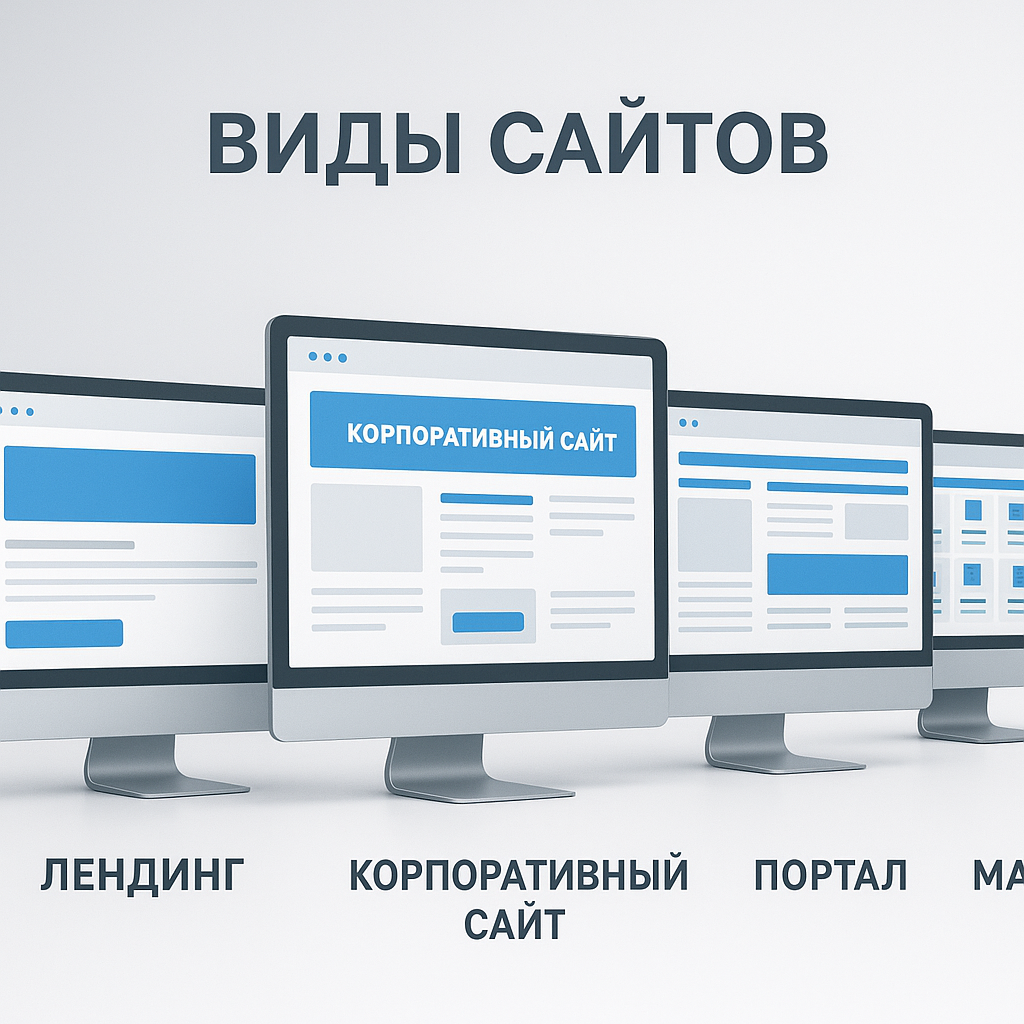
Business card website
A business card website is suitable for professionals, local companies, and small businesses. It typically includes a home page, services, benefits section, testimonials, contact information, and an application form. Such a website can be launched quickly and expanded gradually.
Corporate website
Corporate WordPress website This is needed by companies that need to showcase their services, team, case studies, areas of work, documents, and benefits. For such projects, custom post types are often used: services, case studies, employees, reviews, FAQs, cities, and articles.
Landing
A landing page is suitable for advertising, promoting a specific service, product, promotion, or testing a new niche. It can be created using Elementor, Gutenberg, or custom blocks. The main goal of a landing page is to quickly explain the offer and lead the user to a request.
Blog or media
WordPress is well-suited for publishing articles. A blog, news site, or media project can be built using categories, tags, authors, categories, interlinking, and SEO structure. It's a good option for projects that want to drive traffic from Google.
Services website
A WordPress service website can include separate pages for each service, city, destination, or client type. This approach helps more accurately address search queries and increases organic traffic conversion.
Catalog site
A catalog website is suitable for companies that need to showcase products, models, objects, equipment, or services without a full-fledged shopping cart. ACF WordPress allows you to easily manage specifications, photos, prices, descriptions, and filters.
WooCommerce Online Store
WooCommerce allows you to create an online store using WordPress. You can customize product cards, categories, shopping cart, checkout, payment, shipping, filters, and SEO pages. This option is suitable for small and medium-sized stores.
Multilingual website
WordPress can be used for websites in multiple languages. It's important to plan ahead for URL structure, hreflang, template translation, meta tags, menus, and technical SEO settings for each language version.
Content SEO website
WordPress is convenient for content projects thanks to categories, posts, authors, categories, article templates, and internal linking. Such a site can be scaled to accommodate dozens or hundreds of pieces of content if you set up the structure and templates in advance.
What's included in creating a turnkey WordPress website?
Turnkey WordPress website — This isn't just CMS installation. It's a full cycle of work, from concept and structure to launch, indexing, and support.
- analysis of the task, niche and competitors;
- development of website structure;
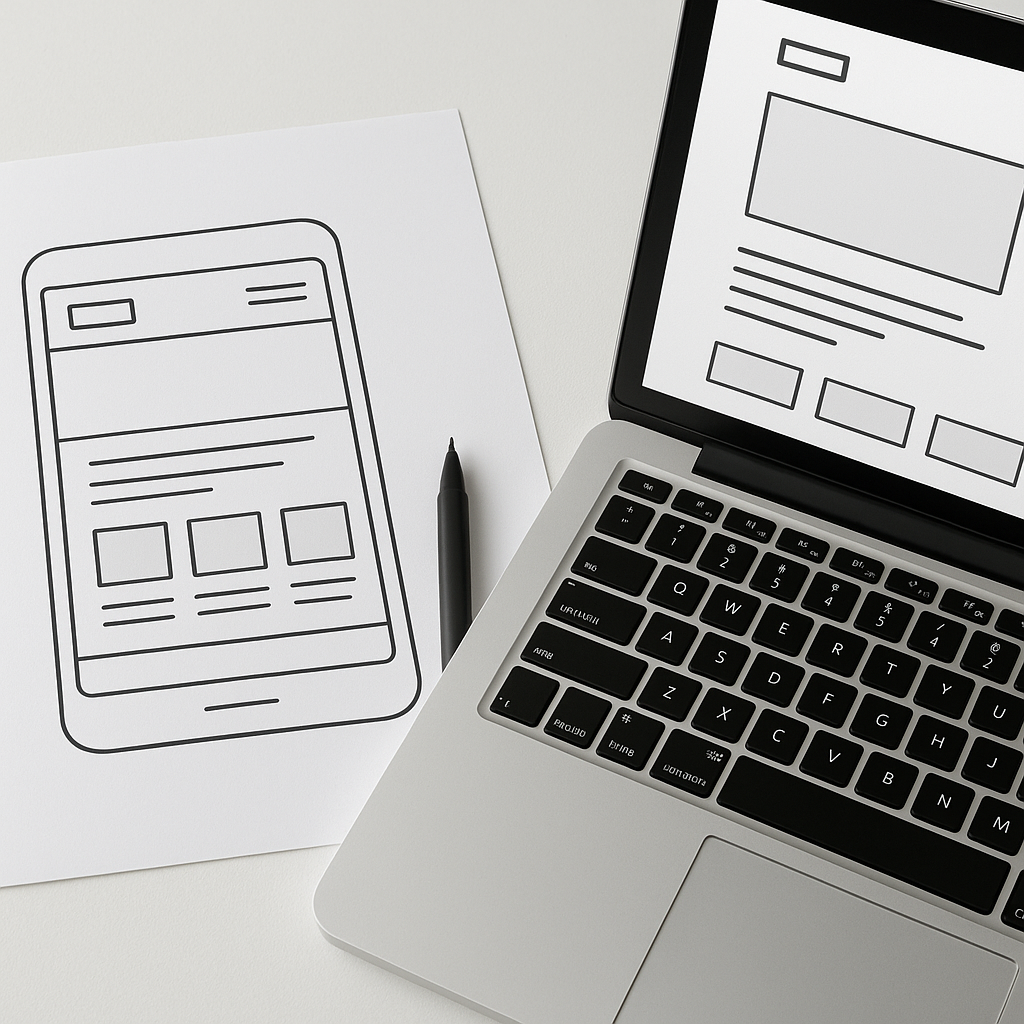
- preparation of prototypes of main pages;
- creation of an individual design or adaptation of a ready-made design layout;
- adaptive layout for mobile devices, tablets and desktops;
- Stretching layout on WordPress;
- setting up CMS, menus, pages, posts and categories;
- Setting up ACF and custom fields;
- creating custom post types;
- connecting application forms and basic integrations;
- Basic WordPress SEO optimization;
- Setting up download speed and caching;
- Basic WordPress Security;
- transferring the site to hosting and connecting the domain;
- pre-launch testing;
- training the client to work with the admin panel;
- technical WordPress support after launch.
Elementor, Gutenberg, or custom development
When developing a WordPress website, it's important to choose the right technical approach. This determines launch speed, ease of editing, performance, design flexibility, and subsequent SEO.
Elementor
Elementor is suitable For quickly launching landing pages, simple service websites, and pages that need frequent editing without a programmer. It's convenient for small projects, but if configured incorrectly, it can overload the site with unnecessary code and affect loading speed.
Gutenberg
Gutenberg is a native WordPress editor. It's well-suited for blogs, content sites, and pages with lightweight blocks. This approach is typically easier to maintain than heavy visual editors.
Custom WordPress Theme + ACF
A custom WordPress theme paired with ACF is a great option for projects where speed, clean structure, SEO, and a user-friendly admin panel are important. Advanced Custom Fields lets you set up editable blocks, custom fields, page templates, and custom post types without cluttering your site with unnecessary plugins.
The choice between Elementor, Gutenberg, and custom development depends on budget, deadlines, speed requirements, design, SEO, and future website scalability.
Stretching the layout on WordPress
Stretching the layout on WordPress — is the integration of a finished HTML layout or design template with a CMS. After this work, the website becomes manageable: the owner can edit text, images, menus, blocks, posts, categories, and other elements through the admin panel.
You can migrate a ready-made Figma design, an HTML page, an old static website, or a pre-built template to WordPress. You can customize page templates, the header, footer, menu, application forms, blog posts, categories, service cards, repeating blocks, and custom fields.
The main goal of the customization is to preserve the design while making the site easy to manage. Good integration of the layout with WordPress should not compromise speed, SEO, or mobile compatibility.
ACF WordPress and Custom Post Types
ACF WordPress — is a tool for creating custom fields in the admin panel. It makes website management intuitive: instead of editing code, clients get convenient fields for text, photos, prices, features, links, buttons, FAQs, benefits, and other blocks.
Custom post types help separate different aspects of a website. For example, services aren't mixed with articles, case studies aren't mixed with reviews, and products or objects have their own templates.
Through ACF and CPT you can conveniently manage the following sections:
- services;
- cases;
- reviews;
- employees;
- goods;
- FAQ;
- cities;
- objects;
- portfolio;
- articles;
- characteristics;
- tables and repeating blocks.
This approach is especially useful for websites that will be growing: adding new services, city-specific pages, case studies, catalogs, product cards, or SEO sections.
SEO for WordPress during development
SEO for WordPress This should be done before the website launches, not after publication. If the URL structure, headings, page templates, indexing, and speed are improper, promotion becomes more expensive and difficult.
At the development stage, it is important to configure:
- logical URL structure and friendly URL;
- correct Title and Description;
- hierarchy H1, H2 and H3;
- internal linking;
- XML Sitemap;
- robots.txt;
- Schema.org micro-markup;
- Open Graph for social networks;
- bread crumbs;
- mobile adaptation;
- image optimization;
- Loading speed and Core Web Vitals;
- clean templates without duplicates;
- correct indexing settings;
- Google Search Console;
- Google Analytics.
For SEO projects, it's also important to think through categories, landing pages, article templates, FAQ sections, authors, interlinking, and the ability to scale content without manually editing each element in advance.
Speed, safety and technical basis
A fast WordPress website is more user-friendly, easier to promote, and cheaper to maintain. Speed is affected by hosting, theme, number of plugins, images, caching, database, layout quality, and page assembly method.
For a modern WordPress technical foundation, it is important to consider:
- PHP 8.3 or higher;
- MySQL 8.0 or MariaDB 10.6 and higher;
- HTTPS and SSL certificate;
- stable hosting;
- Apache or Nginx;
- page caching;
- WebP image optimization;
- lazy loading for media files;
- minimization of unnecessary plugins;
- admin panel protection;
- backup copies;
- WordPress core updates;
- plugin and theme updates;
- protection of forms from spam;
- error checking after updates.
WordPress security isn't just a single plugin, but a complex set of measures: up-to-date PHP and CMS versions, strong passwords, restricting unnecessary access, backups, SSL, form protection, and regular technical support.
Stages of WordPress website development
- Consultation and briefing. We discuss the task, niche, website goals, target audience, competitors, and desired outcome.
- Niche and structure analysis. We determine which pages are needed for applications, SEO, advertising, and further development.
- Prototype. We prepare the logic of the blocks, the order of information and the user scenario.
- Design. We create a custom design or adapt a ready-made layout to suit the project's objectives.
- Layout. We create adaptive HTML, CSS, and JavaScript layouts for different devices.
- WordPress integration. We transfer the layout to the CMS, configure page templates, menus, posts, and categories.
- Setting up ACF, CPT and plugins. We create a user-friendly admin panel, custom fields, and custom post types.
- SEO preparation. We configure meta tags, URLs, sitemaps, robots.txt, micro-markup, indexing, and analytics.
- Testing. We check the mobile version, forms, speed, errors, page display, and basic SEO settings.
- Launch. We transfer the site to hosting, connect the domain, SSL, and test the operation after publication.
- Training and support. We show you how to edit your website and, if necessary, provide technical support for your project.
How much does a WordPress website cost?
The cost of a WordPress website depends on the size and complexity of the project. A small service website and a custom WordPress project with ACF, WooCommerce, integrations, and SEO will require different amounts of time.
The price is influenced by:
- site type;
- number of pages;
- design complexity;
- development method: Elementor, Gutenberg or custom theme;
- availability of ACF and custom record types;
- integration with CRM, analytics, forms and third-party services;
- WooCommerce and online store functionality;
- multilingualism;
- SEO preparation;
- speed and security optimization;
- volume of content;
- the need to transfer or improve the old site.
| Site type | What's included | When it suits | Complexity |
|---|---|---|---|
| Landing | One landing page, forms, CTA, basic SEO | For advertising, one service or niche testing | Low or medium |
| Business card website | Home, Services, About Us, Contact Us, Application Form | For professionals and small businesses | Low |
| Corporate website | Service structure, case studies, reviews, blog, SEO templates | For companies that need a full-fledged website | Average |
| Catalog site | Cards, categories, characteristics, ACF, filters | For goods, objects, equipment or services without a basket | Medium or high |
| WooCommerce online store | Products, categories, cart, order, payment, delivery | To sell products through the website | Tall |
| Custom WordPress project | Custom theme, ACF, CPT, integrations, SEO structure | For projects with non-standard logic and growth | Tall |
Why you should order a WordPress website from Web-Raketa
At Web-Raketa, you can order a WordPress website with the project's future promotion, structure, and technical development in mind. We don't limit ourselves to visual design; we also consider how the site will attract traffic, convert visitors, and scale.
- We create a structure for SEO and commercial intent;
- we take into account future traffic and promotion;
- We work with Elementor, Gutenberg, ACF and custom themes;
- we set up a user-friendly admin panel;
- We don’t overload the site with unnecessary plugins;
- We create adaptive layout for mobile devices;
- We prepare the site for indexing in Google;
- setting up basic speed and security;
- We can modify or migrate an existing website;
- We support and develop the project after launch.
If you need more than just a WordPress template, but a website that can be developed, promoted, and easily edited, it's best to lay out the right architecture from the very beginning.
Who is WordPress website development suitable for?
WordPress website development is suitable for companies and professionals who need a manageable website without a complex, closed-loop system. WordPress can be adapted to various niches and business types.
- local business;
- service websites;
- construction companies;
- law firms;
- medical projects;
- educational projects;
- online stores;
- blogs and media;
- SEO content sites;
- catalogs of goods and services;
- companies that need a user-friendly admin panel;
- projects that value SEO, speed, and scalability.
WordPress development, migration, and technical support
If your site is already running on WordPress, you can improve it: fix errors, speed up loading, update the design, configure SEO, change the structure, add new post types, enable ACF, move the site to a different hosting, or remove unnecessary plugins.
WordPress technical support can include CMS, theme, and plugin updates, backups, security monitoring, bug fixes, page refinements, speed optimization, analytics integration, and assistance with publishing new content.
Frequently asked questions about creating a website on WordPress
How long does it take to create a WordPress website?
The time frame depends on the website type, number of pages, design, functionality, and content volume. A simple website can be built faster, while a corporate website, catalog, or WooCommerce project requires more time for structure, layout, integration, SEO, and testing.
Is it possible to create a website without a template?
Yes. We can develop a custom design and a custom WordPress theme. This option is best suited for projects where speed, SEO, a unique structure, and a user-friendly admin panel are important.
Which is better: Elementor or ACF?
Elementor is convenient for quick launches and visual page editing. ACF is better suited for custom websites that require a lightweight structure, flexible fields, speed, and template control. The choice depends on the task.
Can I edit the website myself later?
Yes. When properly configured, WordPress allows you to edit text, images, pages, posts, services, prices, FAQs, buttons, and other elements through the admin panel. After launching, you can create a brief tutorial on the admin panel.
Is WordPress Good for SEO?
Yes, WordPress is good for SEO if you properly configure your URL structure, meta tags, headings, sitemap, robots.txt, schema markup, speed, mobile friendly, and internal linking.
Is it possible to create an online store using WordPress?
Yes. WooCommerce is commonly used for WordPress online stores. It allows you to create products, categories, cards, shopping carts, checkout, payment methods, shipping, and SEO pages.
Is it possible to migrate an old website to WordPress?
Yes. We can migrate your website to WordPress while preserving its structure, content, URLs, meta tags, and important SEO settings. Before migrating, we recommend checking your current pages, traffic, indexing, and redirects.
What is included in post-launch support?
Support may include WordPress, plugin, and theme updates, backups, bug fixes, security monitoring, page refinements, speed optimization, and content assistance.
How much does it cost to develop a website on WordPress?
The price depends on the website type, design, number of pages, ACF, custom post types, WooCommerce, multilingual support, integrations, SEO preparation, and technical requirements. A more precise estimate can be provided after discussing the project.
Is it possible to improve an existing WordPress website?
Yes. We can improve the structure, design, speed, SEO, security, forms, admin panel, ACF, page templates, plugins, and technical issues of the existing website.
Want to create a WordPress website that's easy to manage, SEO-ready, and doesn't rely on random plugins? Submit a request—we'll discuss the task, structure, and the best development option.


