401
401 What is a snippet: definition and what it consists of
Why do some pages in search results get clicks even without first place, while others “hang” in the top 10 and attract almost no traffic, even though they seem relevant?
What is a snippet in simple terms?
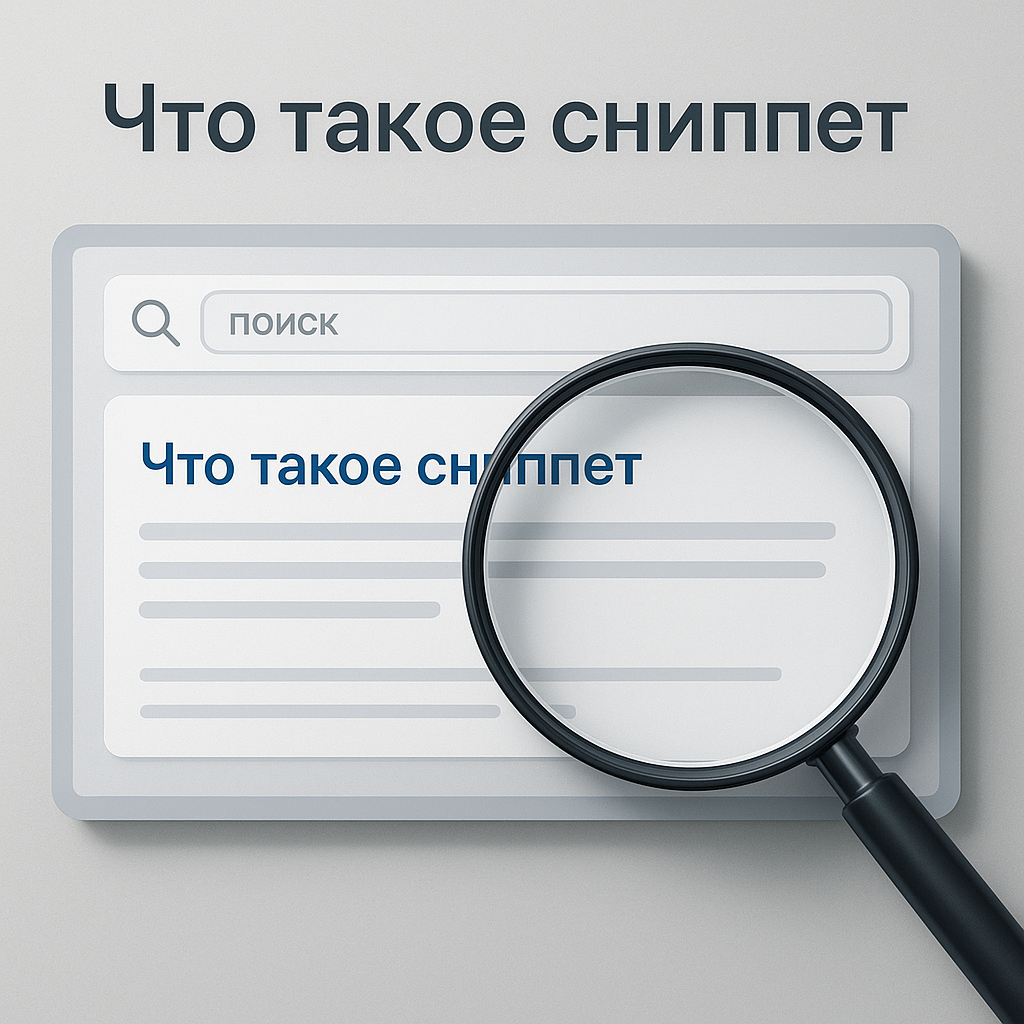
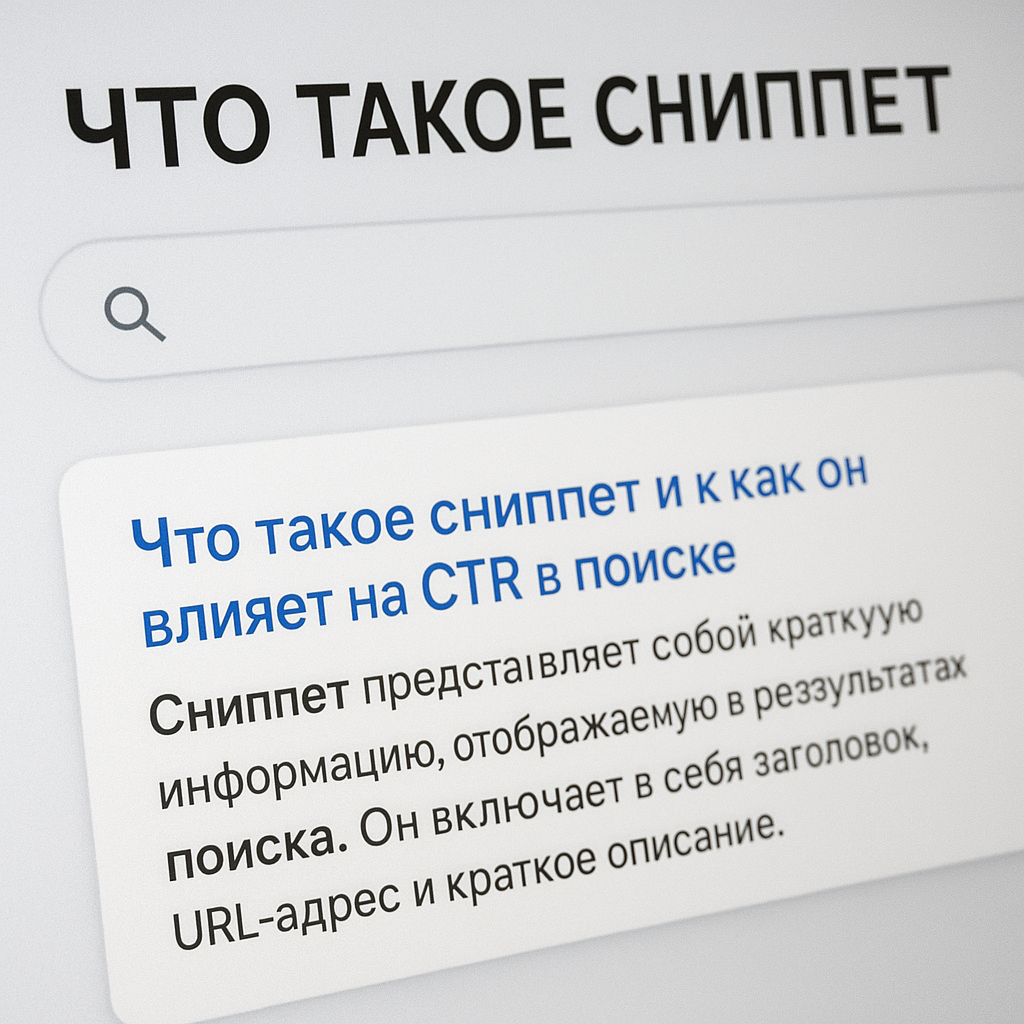
What is a snippet? A snippet is a short "card" of your Google result: a title, a link, and a snippet of text that the user decides whether to click. Simply put, a snippet is your mini-advertisement in search, directly impacting your CTR (click-through rate).
When people ask what a website snippet is or What is a snippet on a website?, usually they don't mean an element on the page itself, but rather how the page is shown in search results. Snippets are influenced by content, meta tags, Schema.org markup, site structure, and even display settings (e.g., breadcrumbs).
What does a Google snippet consist of?
A basic set of elements is almost always present, and additional ones appear if Google finds them useful and if the data is formatted correctly:
- Title — clickable title of the result (often taken from the title tag, but can be rewritten).
- Description — description (meta description or a fragment of text from the page).
- URL / breadcrumbs — the path of a page; often displayed as navigation.
- Date — can be shown for news, articles, updates.
- Favicon — website icon next to the result.
- Quick links — additional links to sections (sitelinks).
- Rating, prices, availability — elements for goods/services if there is marking.
Regular vs. Rich Snippet: What's the Difference?
A standard snippet is title + URL (or breadcrumbs) + description. A rich snippet adds "Google visibility boosters": star rating, price, FAQ sections, product information, and links to sections. This isn't a "magic button," but the result of systematically promoting the site: correct data, page structure, and quality.
How does a snippet affect search CTR and why is it important for SEO?
The Relationship between Snippets and CTR: How Users Decide Where to Click
In Google search results, users don't "read the website"—they first evaluate the result card. That's why understanding What is a snippet? Important not only for theory but also for practice: CTR (click-through rate) depends on how quickly your snippet explains the value and matches the search intent.
The mechanics are simple: a person scans headlines, looks at brand familiarity, focuses on specific details (price, delivery, rating, availability), and chooses the clearest and safest option. Even with equal rankings, the one with the clearest and most relevant snippet wins.
“CTR is the voice of the search user: clicks indicate which result appears best right in the search results.”
This signal indirectly supports effective SEO: more clicks = more conversions = more data for improving the page and conversion, which ultimately works to increase organic traffic.
What increases and decreases a snippet's CTR?
Click-through rate is influenced by both snippet elements and the overall SERP context (competitors, ads, map blocks, videos). CTR most often increases when:
- The title promises a specific result and matches the query (without clickbait).
- The description answers the user's question and removes objections (timeframe, geography, service guarantee).
- There are extensions: quick links, rating, price, availability, FAQ (if appropriate).
- The URL/breadcrumbs are readable and confirm the relevance of the section.
CTR drops if the title is truncated, the text is "about nothing," the page looks irrelevant (for example, the query is about delivery, but the snippet is about "company history"), or Google rewrites the title due to content inconsistency.
Why working with snippets is important for systematic SEO
By improving your snippet, you're not promising "overnight miracles," but you're getting a practical solution for growth: increasing the return on your existing rankings. This is a transparent approach to search results—first, we enhance what's already visible in search results, then we scale.
When combined with high-quality content, a technical base, and link building without unnecessary noise, working on a snippet helps improve visibility in Google and supports digital business growth through a steady increase in clicks and potential leads.
FAQ: What are snippets in SEO and how to manage them
What are snippets in SEO and how are they different from meta descriptions?
What are snippets in SEO? They're how pages are displayed in search results: title, link/breadcrumbs, and a snippet of text, plus possible extensions (rating, price, sitelinks). In short, What is a snippet? — this is a showcase of the results in Google, and not an element “inside” the site.
A snippet and a meta description are not the same thing. A meta description is your suggested text in the page code, while a snippet is what actually appears in search results. Google may use the meta description or generate a snippet itself if it deems it more relevant to the query or if the description is too general, repetitive, or irrelevant to the page content.
How does microdata affect snippets and how to get an extended version?
Structured data (Schema.org) helps search engines understand page entities such as product, price, availability, rating, FAQ, and organization. This increases the chance of a featured snippet, but it doesn't guarantee it: Google makes its decision based on the query type, trust in the data, and the page's quality. Best practice: markup must be implemented correctly, without spam, and supported by visible content (for example, the price on the page must match the markup).
To manage your snippet, work with the title, meta description, page headings, breadcrumb structure, and avoid duplicate meta tags across hundreds of pages.
What to do if your CTR drops, how to check it in Search Console, and how to adapt it for Ukraine
A drop in CTR is often due to changes in SERPs (ads, new blocks, competitors), rewritten titles, or outdated wording. Start with Google Search Console: Performance report → Search results → view CTR by queries and pages, compare time periods, and check device and country.
For Ukraine, it's important to consider RU/UA: create separate versions of pages and meta tags for Ukrainian localization, use hreflang, specify geographic locations (Kyiv/Lviv/Odesa, etc.), display prices in hryvnia (₴) and delivery terms within Ukraine. This increases trust and improves the snippet's relevance for local queries.
What is a website snippet?
A website snippet is how your page appears in Google before a click: the title, link/breadcrumbs, description, and possible extensions like sitelinks, rating, or price. Essentially, it's a showcase for your offering in search. This is why a snippet directly impacts CTR: users choose the clearest and most relevant result among several similar ones, not the "best website."
Steady organic traffic growth begins with monitoring what you're already showing in search results. Improving your snippet isn't about promising quick miracles, but rather about systematically promoting your website: you increase click-through rates in current rankings, build brand trust, and enhance your visibility in Google where competition is determined by the details.
To take a clear approach to SEO, focus on four practical steps. First, audit your title and meta description: remove duplicates, add specifics, and ensure they match the search intent. Second, test your wording in Search Console: compare time periods and improve pages with high impressions and low CTR. Third, improve the relevance of the page itself so Google rewrites the title/description less often and ensures the user gets what they expect after clicking. Fourth, implement structured data only where appropriate (products, prices, availability, FAQs), and ensure the correctness of the content and markup.
“The snippet is a decision point: whoever explains the value faster wins.”