486
486 What is a Sitemap.xml and why is it needed for SEO?
What is an XML sitemap? It's a special XML file (an XML sitemap) that lists the pages and other important URLs of your site and tells search engines what exactly to crawl and index. Simply put, sitemap for a website — is a structured "hint" for Google that helps it quickly and accurately understand what materials you have and how they are related.
Why is an XML sitemap needed in systemic SEO?
For effective SEO, it's important not to "hope" the bot will find everything on its own, but to manage the process. What is an XML sitemap in practice? It's an element of strategy, not chaos: you provide Google with a clear list of URLs and metadata to speed up page discovery and improve indexing control.
- Speeds up URL discovery: especially new sections, product cards, blog articles and landing pages.
- Helps to understand the structure: it is easier for a search engine to see the hierarchy and priorities.
- Signals changes: you can quickly pull up updated pages and track their appearance new pages in Google.
How does sitemap.xml affect organic traffic growth and Google visibility?
An XML sitemap for SEO doesn't directly "increase rankings," but it does create a foundation: your landing pages are indexed faster and are less likely to be lost in crawling, which increases the chances of getting traffic that converts. In Ukraine, this is especially relevant for online stores and local businesses with frequent product and content updates. For e-commerce, consider this separately. SEO for an online store: Categories, product cards, and filters should only be included in the sitemap if they have real search value. At Web-Raketa, we link the sitemap towebsite indexing guide": This is part of a transparent approach to promotion, where you understand which URLs are submitted, which ones are found, and what needs to be improved in the architecture.
Types of sitemaps: from basic to advanced for large projects
In addition to the standard page map, there are formats for specific tasks:
| Type | When needed |
|---|---|
| image sitemap | If images are a source of traffic (catalogs, portfolios, media). |
| video sitemap | For video pages where correct indexing of videos is important. |
| hreflang sitemap | For multilingual/multiregional sites, to avoid confusing versions. |
| sitemap index file | If the site is large: combines several cards (categories, products, blog). |
A sitemap isn't a formality, but a tool for controlling what exactly you want Google to see and how quickly it can find it.
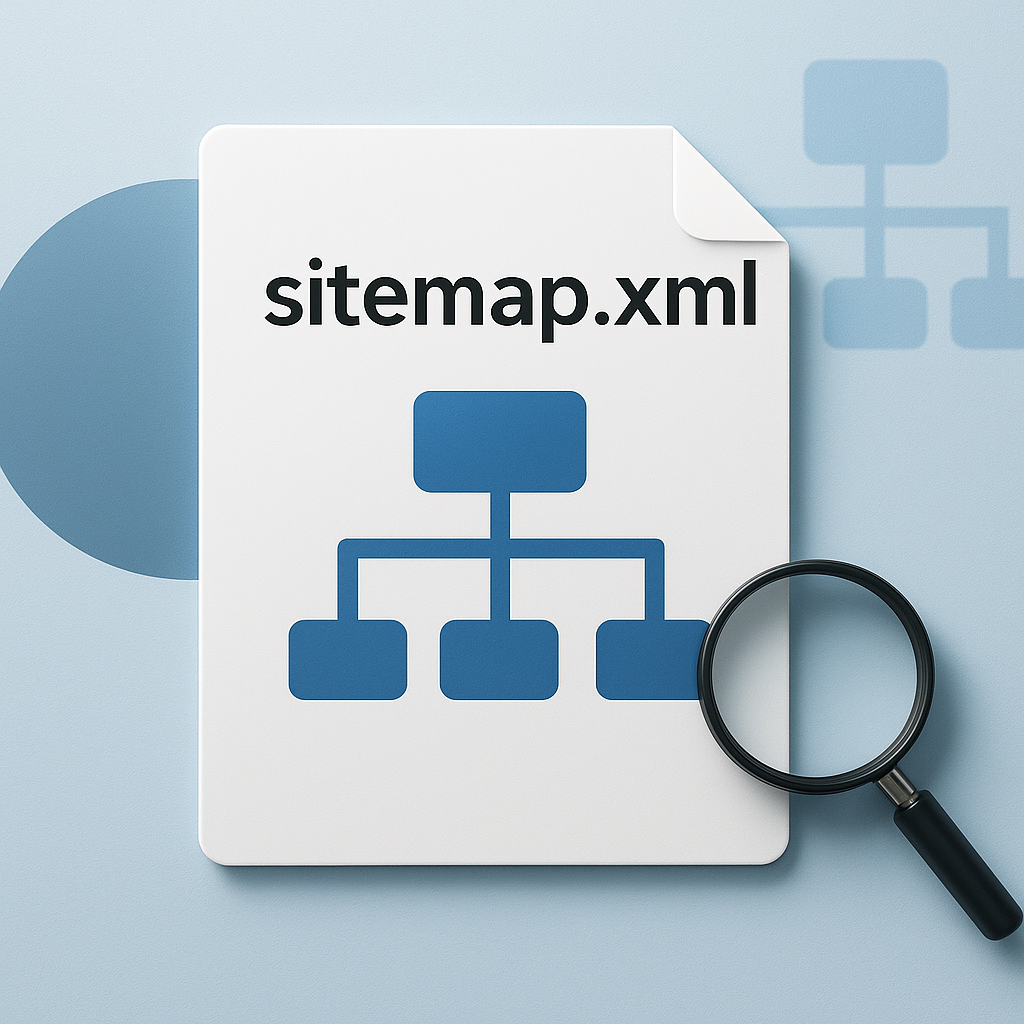
How Sitemap.xml Works: From Discovered URLs to Submitted Sitemaps to Google
How Sitemap.xml Works: What Google Does with URLs in the File
In short, how an XML sitemap works is that you publish a file on the site and specify its path in robots.txt Or submit it to the sitemap in Google Search Console. Googlebot then periodically downloads the XML sitemap, reads the list of URLs, and decides which addresses to crawl first. It's important to understand the basic logic: What is an XML sitemap? For a search engine, this is a recommendation, not a command. It helps make indexing more predictable, but it doesn't override internal quality algorithms, crawl priorities, and budget. The file may contain signals like lastmod (date of last update). When it is correct, Google pays attention to it faster. updated pages, especially in projects with frequent changes: prices, availability, new articles, category updates. But if the lastmod is "rendered" automatically every day without any real edits, the signal's credibility diminishes.
Discovered URLs, submitted sitemaps, and Google processing statuses
The term "discovered" refers to URLs that Google has found (via links, redirects, canonicals, external references, and sitemaps), but this doesn't necessarily mean "crawled and indexed." In Search Console, you often see a situation where you submit a sitemap, Google processes it, but some URLs remain in the "discovered - currently not indexed" or "crawled - currently not indexed" state.
| Signal/status | What does this mean in practice? |
|---|---|
| submitted sitemap | You've explicitly given Google a list of URLs - it uses that as a guide for crawling. |
| discovered urls | The URL was found, but may be waiting in the crawl queue or may not pass the priority selection. |
"Google doesn't select all URLs from the sitemap for work, but rather those that meet quality and usefulness priorities."
Why a sitemap helps manage priorities but doesn't provide "automatic indexing"
Sitemap for a website Increases control: you can submit to Google precisely those pages that are expected to generate converting traffic—commercial categories, product pages, key services, and important articles. However, indexing is not guaranteed due to duplicates, weak content, server response errors, no-index, incorrect canonicals, thin pages, and the quality of internal linking. In Web-Raketa's systematic website promotion, we use sitemaps as part of transparent indexing management: we create a priority list of URLs, monitor their statuses in Search Console, and eliminate the reasons why Google "sees" a page but doesn't add it to the index.
How to create and configure a sitemap.xml: generators, plugins, sitemap index, and special maps
How-to: How to Create an XML Sitemap Manually, with a Generator, and via Plugins
If you already understand what an XML sitemap is, the next step is to create it correctly. There are three working scenarios: manually (for small sites), through XML sitemap generator (online/desktop), or via CMS plugins/modules (the most stable option for stores and content projects). For WordPress, SEO plugins are most often used, which automatically update the sitemap upon publication and edits. For other CMSs, the principle is the same: the module must correctly add URLs and manage exceptions. Manual XML is usually created using a template: URL + optional lastmodBut the manual approach quickly breaks down as the site grows: new products, articles, and structural changes.
URL Inclusion/Exclusion Rules: Canonical, Parameters, and Pagination
The XML sitemap should reflect the pages that are indexed. The basic rule: add only URLs that return a 200 OK response, aren't closed by noindex, and have a correct canonical to themselves (or the target version).
- Parametric pages (filters, sorting, UTM): most often excluded to avoid duplicates and burning crawl budget.
- Pagination: Usually, key pages (categories) are left in the sitemap, and pages 2+ are left as needed if they bring unique value and traffic.
- Duplicates (http/https, www/without www, slashes): there should be only one “canonical” variant in the sitemap.
This directly impacts SEO for businesses: fewer junk URLs means pages that generate sales and leads are indexed faster.
Sitemap index, special maps, and typical errors that hinder promotion
Sitemap index file This is needed when the project is large (multiple URLs or logical divisions: products/categories/blog). It contains links to multiple maps—this is easier for control and scaling. Individual maps are used for specific tasks: image sitemap — for images, video sitemap — for video pages. For multilingual projects, a hreflang sitemap, which links language/regional versions (for example, Ukrainian and Russian), is helpful.
"Systematic website promotion begins where you manage indexing: what Google shows and in what priority."
Common mistakes: adding URLs with 3xx/4xx/5xx extensions, enabling noindex pages, outdated lastmods, duplicates with parameters, and failure to split sitemaps into multiple ones when dealing with large volumes. At Web-Raketa, we build a "strategy, not chaos": a clean sitemap + transparent indexing rules + regular checking—all without unnecessary fuss, but with measurable results.
FAQ: checking Sitemap.xml and working with Sitemap in Google Search Console
Sitemap.xml Validation FAQ: Validity, Availability, and Limits
Question: How can I quickly and effectively check an XML sitemap? Answer: Start with the basic technique—the file should open directly in the browser via a URL and return a 200 OK status code. Next, check that it's valid XML without any broken tags, and that all URLs within also return a 200 status code and don't redirect. Question: What limits are important? Answer: One sitemap file typically shouldn't exceed 50,000 URLs and 50 MB uncompressed. If the site is large, use sitemap index fileTo break down sitemaps into types or sections. Question: How do you know if a sitemap is "correct" for SEO? Answer: It should contain only canonical, indexable pages (no noindex, duplicates with parameters, 3xx/4xx/5xx). That's right. What is an XML sitemap? turns from a formality into a tool for managing indexing.
FAQ: Sitemap in Google Search Console – How to Add and What to Look For
Question: How do I add a sitemap to Google Search Console? Answer: Open your resource, go to the "Sitemaps" section, paste the path (for example, /sitemap.xml or /sitemap_index.xml) and submit. This will be the submitted sitemap. Question: Which reports should I read first? Answer: The sitemap processing status, the number of "Submitted" URLs, and how many URLs are actually "Indexed." Also, check the "Pages" (Indexation) report—it explains why some URLs are excluded. Question: What do discovered URLs mean and how are they different from submitted ones? Answer: Discovered URLs are URLs that Google found itself (via links/signals), even if you didn't submit them. Submitted ones are the ones you specified in the sitemap. Ideally, important commercial pages should be both submitted and discovered through internal linking to ensure predictable indexing.
FAQ: What to do if URLs in the sitemap are not indexed, and how to track updates
Question: Why aren't the URLs in my sitemap indexed? Answer: A sitemap doesn't guarantee indexing; it only helps prioritize crawling. Check for noindex, incorrect canonicals, weak content, duplicates, speed/accessibility issues, and that sitemaps aren't clogged with junk pages that hog the bot's attention. Question: How do I track updated pages and new pages in Google? Answer: Maintain a correct lastmod (only for actual changes), regularly monitor the "Indexed" dynamics in Search Console, and selectively check key URLs using the URL inspection tool. Question: How often do I update the sitemap? Answer: Automatically when adding/updating pages; for stores and media—daily or event-based (new product, new article). This is a transparent approach to promotion: you see what has changed, what has been sent to Google, and which pages generate converting traffic.
"The clearer your structure and priorities are for Google, the less randomness there will be in indexing and growth."
Conclusion
What is an XML sitemap in practical terms? It's a managed list of priority URLs that helps Google discover pages faster, understand the site's structure, and respond more accurately to updates. XML sitemap It doesn't "do SEO itself," but it eliminates chaos in indexing: new and important pages get into the search engine's field of view faster, and updated pages receive an additional signal via lastmod. In effective SEO, this supports organic traffic growth and increased visibility in Google—especially for online stores, media, and projects where content and product range are constantly changing. Having a correct sitemap is critical if the site is large, has many dynamic URLs, is multilingual, or has specific content types (images/videos). For scalable projects, an index file sitemap and specialized maps are useful: image sitemaps, video sitemap, hreflang sitemap. But Web-Raketa's main principle remains unchanged: strategy, not chaos—the sitemap should be part of an overall system, along with quality content, proper canonicals, technical health and logical interlinking. A short checklist for integrating an XML sitemap for SEO into a transparent promotion approach:
- Create or update a sitemap and leave only canonical indexed URLs in it (without 3xx/4xx/5xx, duplicates and garbage parameters).
- As your site grows, separate it into types: index / image / video / hreflang - to manage priorities and scale.
- Send the card to Google Search Console how the sitemap is submitted and track what is actually indexed.
- Review your XML sitemap regularly and adjust your URL inclusion rules as your structure and content evolve.