

 452
452 Googlebot in Simple Terms: What is Googlebot and Why is it an Important Google Search Engine Robot?
What is Googlebot? It is Google search robot (it is also called Google crawler or crawling bot), which automatically visits your website's pages, reads them, and transmits the data to Google's systems for further processing. Simply put, Googlebot is Google's "eyes" on the internet: without its visit, your site won't be able to fully participate in search results or receive converting traffic.
Googlebot: Definition and Role in Search
In practical terms, what is Googlebot in the context of SEO for business? It is the mechanism that begins systematic website promotion. Googlebot performs bypass (crawling): follows a URL, downloads HTML, may pull resources (CSS/JS/images), and records what exactly is on the page.
Then the next stage is activated - website indexingGoogle decides whether a page can and should be indexed, how to interpret it, and which queries to show it for. Important: Googlebot doesn't "rank" itself, but without it, there will be no data for ranking and increased visibility in Google.
Googlebot and user-agent: how a site “sees” a crawler
When Googlebot makes a request to your server, it comes with a specific identifier—the Googlebot user agent. This user agent lets your server, CDN, or security system know that it's the Googlebot search engine and not a regular user.
In practice, this helps:
- analyze logs and see which pages are actually visited Googlebot;
- set up access rules (carefully, without blocking important sections);
- control the content delivery to ensure that scanning is stable.
How Google uses Googlebot crawling to increase visibility
How Googlebot works, in terms of results: it regularly returns to a site to find new pages, updates, changes in the structure, and internal linking. The clearer the architecture and the fewer technical obstacles, the more effective Googlebot's crawling of the site and the higher the chances of stable organic traffic growth.
If a robot can't quickly and completely read a site, search engines simply have nothing to rely on—and growth will be slowed.
That's why, in strategy, rather than chaos, we always start with accessibility, structure, and proper delivery of content—this is the foundation for effective SEO.

How Googlebot Works: How Google Crawls a Site, Googlebot Site Crawling, and Googlebot Indexing
How Googlebot Works: A Step-by-Step Guide from Crawling to Website Indexing
To understand, What is Googlebot? In practical SEO, it's important to understand the chain of events. First, Google gets a list of potential URLs from various sources: internal links, XML sitemaps, previously known URLs, and external links. Then it launches crawling — Googlebot site crawl.
In simplified terms, the process looks like this:
- Googlebot sends an HTTP request to a URL (these are crawl requests) and receives a response from the server.
- Reads HTML, finds links, can load resources (CSS/JS) to understand rendering.
- Evaluates quality and availability signals: response codes, speed, stability, duplicates, canonical.
- Transfers data to Google systems, where the question is decided: will the page be added to the index (that is, it happens) website indexing).
It's important to distinguish: crawling and indexing are not the same thing. Sometimes a bot visits a page, but it's not indexed due to a ban, duplicate content, weak content, or technical errors.
“Googlebot can crawl a page, but it is not required to index it.”
Crawl priorities: internal links, sitemap, and page weight
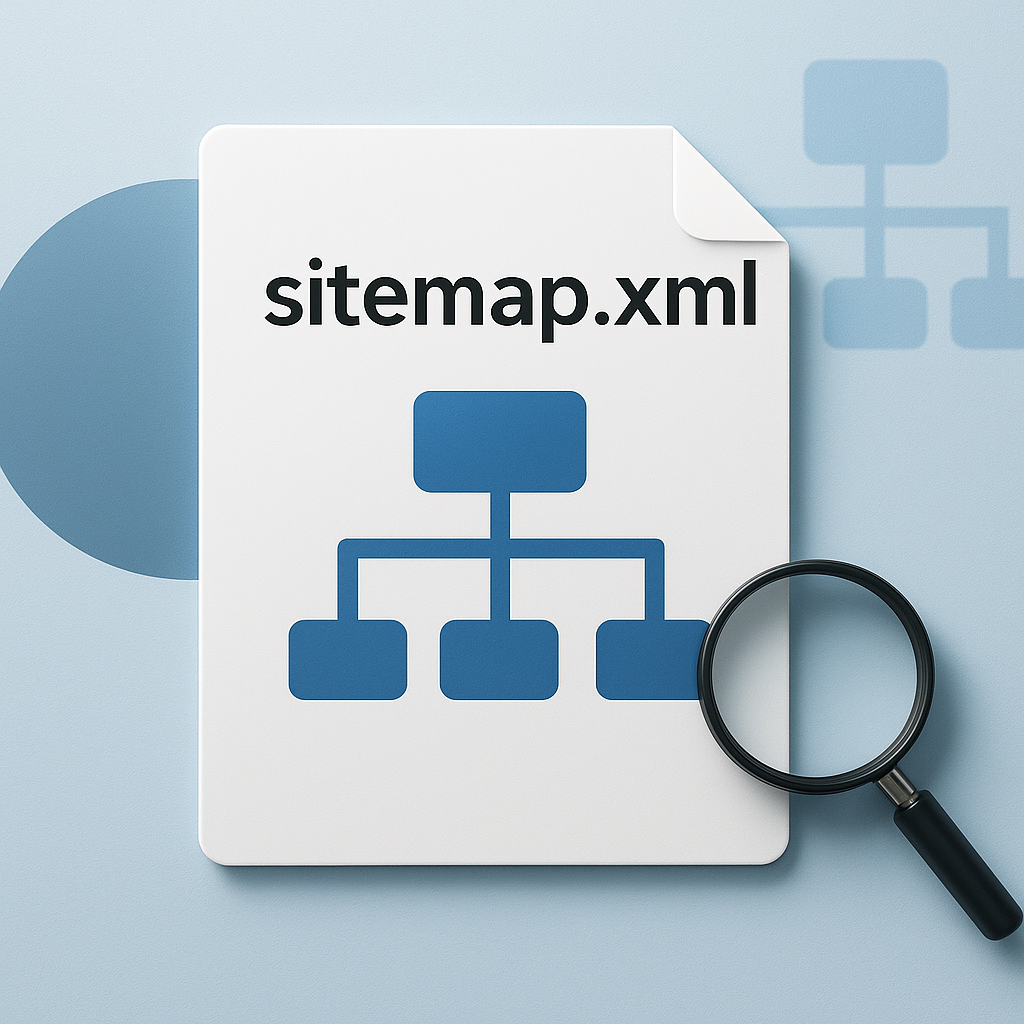
Google doesn't distribute crawling resources randomly. The frequency and depth of crawling are influenced by internal linking (how easy it is to reach a page), the relevance of updates, the importance of sections, the presence of URLs in the sitemap.xml, and the overall health of the site.
An XML sitemap is a hint, not a command. It helps speed up URL discovery, especially for new product pages or articles, but priority is still determined by internal links and quality signals.
“A sitemap helps you find pages, but the structure and internal links are crucial.”
How to check if a bot actually crawled your site: scan site with Googlebot
If you need to scan a site with Googlebot and understand what exactly the robot saw, use basic checks:
First, Google Search Console: the URL inspection tool shows indexing status, the last crawl date, and potential access/rendering issues. Second, server logs: they show actual crawl requests, which URLs the bot visited, and what responses it received (200/301/404/5xx). This data gives you control over the process and helps you build a systematic website promotion system without guesswork.
Management and diagnostics: robots.txt and Googlebot, Googlebot Smartphone, availability issues and crawl control
Robots.txt and Googlebot: How to Manage Crawls Without Losing Traffic
Understanding Googlebot quickly becomes practical when you start managing where the bot can go. The main lever is the file. robots.txt: through directives User-agent, Disallow And Allow You set rules for specific bots, including Googlebot user agent.
Typical areas that are often blocked from crawling to avoid crawling bloat include filters, sorting parameters, cart/account pages, and technical site search results. But it's important to note that blocking a URL in robots.txt doesn't automatically remove it from the index—it only limits it. Googlebot crawl.
Additional points of control: meta tag robots (noindex/nofollow), title X-Robots-Tag for files, and also correct rel=canonical To combat duplicates. This is the transparent approach to promotion: don't guess, but manage the rules and verify the results.
Googlebot Smartphone and Different User Agents: Why the Mobile Version is Critical
Today, Google primarily evaluates a website from the perspective of a mobile crawler—Googlebot Smartphone. If the mobile version is "cut down" (no content, hidden blocks, slow loading resources), this can directly impact site indexing and visibility in Google.
Ensure that the mobile bot has access to key resources (CSS/JS), there is no aggressive anti-bot protection, and the content and markup are consistent with the desktop version. Segmenting robots.txt rules by user agent is acceptable, but should be well-founded and testable.
Availability issues: 5xx, 429, and timeouts – how they break scanning and what to monitor
When availability issues occur, Googlebot reduces its crawl rate, and updates can get stuck. Common issues include 5xx errors on the server, 429 (too many requests), timeouts, and unstable CDN/WAF operation.
“If a server responds unstably, Googlebot reduces its crawling, and the site loses its index update rate.”
To stay on top of things, combine Google Search Console data (crawl statistics, errors) with server log analysis: you can see which URLs the bot visited, what response codes it received, and where bottlenecks occur. This is a practical solution for growth: fewer crawl losses means more pages in the current index and more organic traffic.
Conclusion
What is Googlebot? In reality, for businesses, it's not an abstract "robot," but rather an entry point into organic search. It's Googlebot (crawler) that scans pages, understands the site structure, finds new URLs through internal links and sitemaps, records server responses, and passes the data on to the processing stage. site indexingIf the bot can't consistently and fully read content, search engines have nothing to rank, meaning organic traffic growth slows or becomes unstable.
The result is influenced not only by the presence of content, but also by how accessible it is for crawling: correct status codes, the absence of blocking of important sections in robots.txt, clear interlinking, correct canonicals, as well as the readiness of the mobile version for Googlebot SmartphoneTechnical failures like 5xx, 429, and timeouts—typical availability issues—cut crawling frequency, delay index updates, and impact Google visibility just when you need converting traffic.
To ensure controlled progress, the principle of "strategy, not chaos" is essential. This boils down to clear actions and control:
- Manage crawling via robots.txt, meta robots and X-Robots-Tag without accidental bans;
- Enhance page discovery through internal links and an up-to-date sitemap;
- Monitor crawl requests and accessibility errors in Search Console and server logs.
As a result, Googlebot becomes not a "black box" but a measurable process. The more transparently you manage crawling and indexing, the faster your site will gain sustainable visibility and organic traffic, which translates into sales.






 Russian
  English
  Ukrainian
  German