180
180 A website for local services: why businesses in the city and region need one
A website for local services isn't just a "ticket item"; it's important to ensure that people in your city or region can quickly find a service on Google, understand the price, see reviews, and submit a request without having to worry about survival. This is especially important for electricians, auto repair shops, cleaning companies, trucking companies, and construction and repair crews in Ukraine, where customers often choose not the "most attractive brand," but one that's nearby, understandable, and immediately accessible.
| What the client is looking for | What should the website provide? |
|---|---|
| Electrician Poznyaki urgently | City, district, call button, service price, application form |
| "car service near me" | Address, Google Maps, reviews, list of services, photos of the service |
| Apartment cleaning prices in Kyiv | Service packages, prices, terms, WhatsApp/Viber for communication |
| Cargo transportation in the Lviv region | Routes, vehicle types, cost calculations, quick ordering |
This type of website is suitable for businesses that rely on search engine leads: local handymen, service companies, construction and repair contractors, auto repair shops, cleaning services, and transport companies. It's only unsuitable for those who aren't prepared to answer phone calls, update prices, and manage reviews. While a website can lead a customer to the door, it's still the business that has to open the door. Preferably not within three days and not with the phrase "Who is this?"
A local client is not looking for a website, but a solution nearby
When someone Googles "electrician website," they're likely not looking for design for design's sake. But when they type "electrician Obolon," "apartment renovation Dnepr Center," or "service station Kharkiv Saltovka," they have a specific need. They need to understand three things: do you work in their area, how much does the service cost, and how quickly they can contact you.
In practice, we often see the same mistake in Web-Raketa projects: the company creates a beautiful "About Us" page, but hides the most important information—the city, region, price, reviews, portfolio, and application form. The result is a website that appears to exist, but no applications are generated. Google isn't a mind reader either: if your page doesn't include local signals, it's harder for the search engine to understand who exactly to show your business to.
A local website should respond faster than a manager can say, "I'll check and call you back."
What does a website offer to local businesses in Ukraine?
For small and medium-sized businesses, a website becomes the primary point of contact with customers. This is especially true in niches where decisions are made quickly: calling a technician, ordering a cleaning service, finding a car repair shop, transporting items, getting a repair estimate, or choosing a construction company. Here, the winner isn't just someone who "is online," but someone who is easily understood, visible in Google, and trustworthy.
- helps to get traffic from Google for queries with a city and region;
- Enhances local SEO through service pages, addresses, maps, and reviews;
- shows the price of the service or a clear price range;
- shortens the path to an application via a call button, form, WhatsApp/Viber;
- proves expertise through a portfolio, photos of work, and real cases;
- Builds trust through integration with Google Maps and reviews.
Why "Just a Page" Doesn't Work Without Structure
A website for local services should be designed like a funnel: a user visits, quickly understands that you operate in their city and region, sees the service, price, reviews, examples of work, and clicks on a convenient contact method. For a car service website, this could be an appointment for a diagnostic. For a cleaning company, it could be a cleaning estimate. For a freight transport company, it could be a request form with addresses and cargo type. For a construction or repair company, it could be a consultation and portfolio review.
That's why systematic website promotion doesn't start with "let's write more text," but with structure. You need dedicated pages for services, well-written local queries, clear CTAs, a trust block, technical speed, a mobile version, and a transparent approach to promotion. Then the website functions not as an electronic business card, but as a tool for digital business growth—without magic, but with sound logic, analytics, and leads.
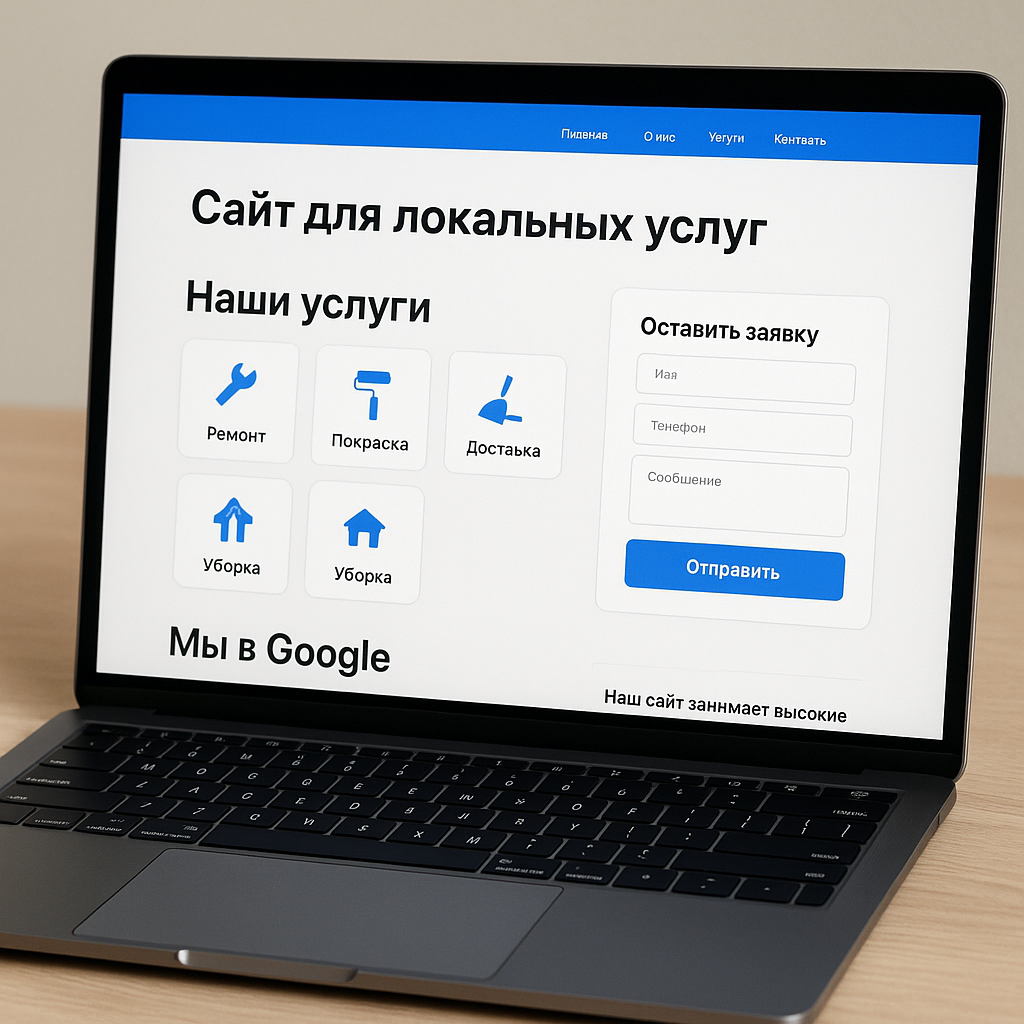
Who is this format suitable for: electrician, auto repair, cleaning, cargo transportation, construction and repair
One structure, different emphases for each niche
Websites for local services are almost always built around a single logic: a person searches for a solution in their city or region, quickly evaluates trustworthiness, service price, and ease of communication, and then submits a request or calls. But within this logic, each niche has its own triggers. For an electrician, urgency and local availability are important. For an auto repair shop, it's equipment, specialization, and reviews. For a cleaning service, it's a clear price list, scope of work, and photos of the finished product. For cargo transportation, it's geography, vehicle types, and cost estimates. For construction and renovation, it's a portfolio, estimates, experience, and peace of mind for the client, because stress-free renovation sounds almost like a vacation without roaming: it's possible, but it requires a system.
In Web-Raketa projects, we often see businesses copying the "home - services - contact" structure and waiting for leads. But local SEO works best when a page responds to a specific search scenario: "urgent electrician Kyiv Troyeshchyna," "car service in Pozniaky," "apartment cleaning price Lviv," "affordable freight transportation Dnipro," "bathroom renovation Odesa." The more closely a page matches the user's intent, the higher the chance of generating converting traffic.
What is important to show on websites for different services
To website for local services To ensure your website functions as a lead generation tool rather than a digital "we exist, honestly," it's important to prioritize your niche. Common sections can be the same: services, city, region, price, reviews, application form, call button, WhatsApp/Viber, Google Maps, and portfolio. However, the order and content of these sections vary depending on how the client makes their decision.
| Niche | The main focus of the page | What strengthens the application |
|---|---|---|
| Website for an electrician | Urgent departure, service area, safety | Call button, arrival time, prices for typical work, reviews |
| Website for a car service center | Trust, equipment, specialization by car brand | Google Maps, photos of boxes, list of services, online booking |
| Website for a cleaning company | Price, cleaning composition, quality of results | Service packages, before/after photos, reviews, quick quotes |
| Website for cargo transportation | Geography, vehicle types, and easy-to-understand calculations | Form with addresses, cargo volume, floor and moving date |
| Website for a construction company | Experience, portfolio, stages of work, estimates | Cases, licenses if available, team, consultation |
| Website for a repair company | Portfolio, price transparency, deadlines | Calculator, photos of properties, reviews, sample estimates |
How to understand which blocks are needed for your business
A good guideline is the question: "What's stopping the client from submitting a request right now?" If they're worried about inflated prices, a clear price list or price range is needed. If they're unsure of quality, reviews, photos of work, and a portfolio are essential. If the service is urgent, the first screen should include a call button, the location of the service, and the response time. If the solution is expensive, like building a house or renovating an apartment, it's important to show the process, the contract, the payment steps, and the actual project.
- For urgent services, display the phone number, call button, and messengers on the first screen;
- For high-value services, build trust through a portfolio, case studies, and detailed steps;
- For services with frequent comparisons, show the price of the service and the scope of work;
- For local businesses, please be sure to include the city, district, map, and departure zones;
- For highly competitive niches, include reviews, photos of your team, and real benefits.
From experience: a cleaning service page with catchy phrases like "perfect cleanliness" usually loses out to a page with specifics—cleaning a one-bedroom apartment starts at a certain price, what's included, how many people come, what products are used, and how to order via Viber. Users don't want to solve a puzzle. They want to quickly understand whether the company is right for them.
So, strategy, not chaos: first, we define the search scenario, then we create a page structure tailored to the niche, and then we integrate local SEO, content, reviews, and analytics. This way, the website becomes a practical solution for growth, not just another tab in the business owner's browser.
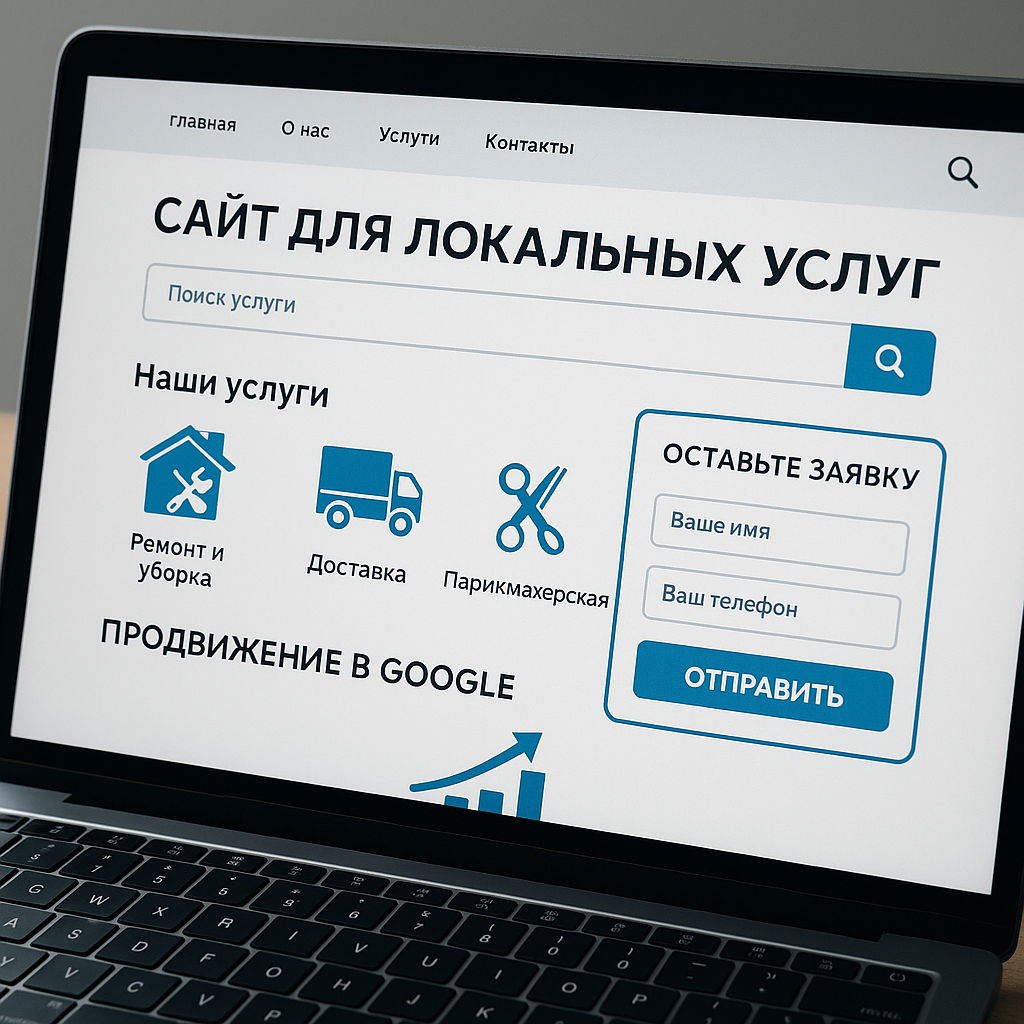
Homepage structure: what should be above the first scroll
The first screen should immediately answer: what, where and how to order
The first screen isn't the place for the philosophy of a "dynamically developing company." A user comes from Google with a specific task: call an electrician in their area, schedule a car service, book a cleaning service, find freight transportation, or get a repair or construction estimate. Therefore, a website for local services should show the service, city, service area, and quick contact information within the first few seconds.
From Web-Raketa's experience: if a user doesn't understand what you do and where you work within five seconds, they'll leave faster than a technician can find the right screwdriver. And this isn't just a joke. In local niches, competitors are just a click away: those with a clearer headline, a more prominent call button, and a simpler application form are more likely to get contact.
A good headline shouldn't be abstract. Instead of "High-Quality Professional Services," it's better to write: "Electrician with on-site service in Kyiv and the Left Bank," "Car service in Kharkiv on Saltovka," "Apartment cleaning in Lviv with a 5-minute quote," or "Cargo transportation in Dnipro and the surrounding region." This helps both the user experience and local SEO: Google better understands which queries and geographic locations to show the page for.
Which elements must be placed above the first scroll?
The first screen should be designed as a shortcut to the request. There's no need to try to cram your entire company history into it, starting with the purchase of your first screwdriver. It's enough to give the client the essentials: what you do, where you work, why they can trust you, and how to quickly contact you.
| Element | Why is it needed? |
|---|---|
| Headline with service and city | Immediately shows relevance: the service is available in the required location |
| Brief USP | Explains the difference: urgent dispatch, experience, warranty on work, transparent pricing |
| Call button | Essential for urgent services: electrician, tow truck, repairs, emergency work |
| Application form | Allows you to leave a request without calling, especially convenient from a mobile phone |
| WhatsApp/Viber | Simplifies communication for Ukrainian users who are accustomed to messaging apps. |
| Working hours | Resolves the question: can I apply now or wait until the morning? |
| Short-term benefits | Supports trust: reviews, experience, service area, portfolio, clear price of service |
How to avoid overloading the first screen and maintain conversion
The biggest mistake is turning the first screen into a silo of useful content. It's filled with sliders, long text, ten buttons, three promotions, a map, a photo of the CEO, the company cat, and a banner that says "We work for you." As a result, the user is overwhelmed by visual noise and doesn't know where to click. This is especially critical for local businesses: people often search for services on their phone, on the go, or in a stressful situation.
On the first screen, it's best to have one primary call to action and one secondary one. For example, a primary button, "Call," and a secondary button, "Calculate Cost." For a cleaning company, this might be "Get a cleaning quote," for a freight company, "Get a moving quote," for a car service, "Schedule a diagnostic," and for a repair company, "Get a repair consultation."
“The easier the first step is for the client, the higher the chance that the application will appear not with a competitor, but with you.”
A good first screen is a strategy, not chaos. It combines a clear offer, local relevance, quick contacts, and trust. website for local services It begins to function not as a beautiful business card, but as a practical tool for increasing organic traffic and applications from Google.
Trust Blocks: reviews, portfolios, case studies, and real photos of work
Why Trust Matters More Than Beautiful Promises
For local businesses, trust isn't just a decorative block at the bottom of a page, but a key factor in a customer's decision. When choosing a repair company, auto repair shop, cleaning service, or construction crew, they're risking money, time, property, and sometimes even their own nerves. That's why phrases like "high-quality, fast, affordable" no longer convince. They've been used by everyone, from a major construction company to a handyman who last updated a website back in the days of push-button phones.
A website for local services should provide evidence: real reviews, photos of work, a portfolio, case studies, photos of the team, equipment, vehicles, facilities, and the process. Users want to understand that the company is backed by real people, clear experience, and completed projects, not just a bunch of pretty words against a stock image of a man in a hard hat.
"With local services, clients rely not on promises but on the evidence of the work performed: photos, reviews, addresses, details, and specifics."
Based on Web-Raketa's experience, pages with real photos and reviews often convert significantly better than visually "perfect" landing pages without supporting evidence. The reason is simple: clients want to see that a similar problem has already been solved. If a bathroom needs to be renovated in Kyiv, an apartment owner wants to see not an abstract design, but actual bathrooms, the stages of work, the tiles, the plumbing, and the finished product.
What trust blocks are needed for different niches?
Each local service has its own evidence. For website for a car service It's important to show the garages, lifts, diagnostic equipment, specialists, and the car brands the service works with. For a cleaning company, it's important to show before/after photos, equipment, safe cleaning products, the team, and a clear cleaning plan. For a construction company, it's important to show the sites, stages, estimates, process, and finished results. For a renovation company, it's important to show the apartment portfolio, deadlines, customer reviews, and room-by-room examples.
| Trust Block | What to show | How does it affect the application? |
|---|---|---|
| Reviews | Customer texts, screenshots, links to Google Maps, ratings | They remove the fear of making a mistake with the contractor |
| Portfolio | Finished projects, completed orders, before/after photos | Shows the actual level of work |
| Cases | Task, process, timeframe, cost, or budget range | Help the client apply the result to their situation |
| Team photo | Masters, cleaners, mechanics, foremen, managers | They make business lively and understandable |
| Equipment and cars | Tools, equipment, machines, materials, work areas | Confirm their readiness to perform the service professionally |
How to format evidence so it works for conversion
Trust blocks shouldn't just be "somewhere on the website" but integrated into the user's path to completing a request. For example, after the service description, it's worth showing two or three relevant case studies, followed by reviews and a contact button. If someone is looking at a bathroom renovation page, they're looking for reviews specifically about the renovation, not a generic "great job" comment. If they're choosing freight transportation, photos of the vehicles and a description of the truck's capacity are more useful than a philosophical text about the company's mission.
- Add real photos instead of stock images;
- sign the work: city, district, type of object, service performed;
- Display reviews next to the service they relate to;
- Use Google Maps and local reviews as an additional trust signal;
- Update your portfolio so that your site doesn't look like a museum of old victories;
- Add a call button or application form after strong evidence.
This approach not only increases conversion but also effective SEO. Pages with unique photos, detailed case studies, reviews, local details, and a clear structure appear more useful to users. This means that a website for local services has a better chance of retaining visitors, converting them into a purchase, and turning organic traffic into actual inquiries.
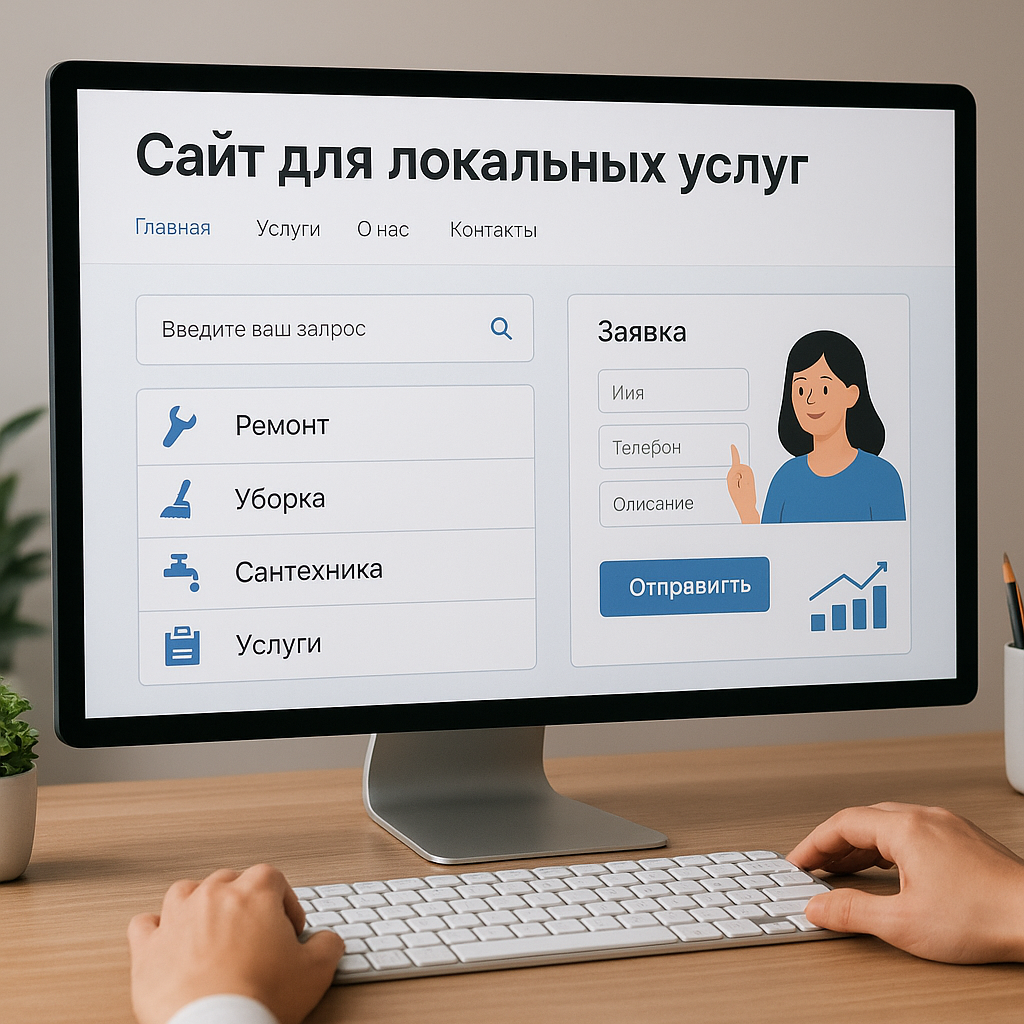
Services and Pricing: How to Show Costs Without Losing Leads
Why is it better to show the price rather than hide it until the call?
The "Services and Prices" section on a local website acts as a trust filter. A Google user almost always compares several options: an electrician in their area, a nearby auto repair shop, apartment cleaning, freight transportation within the city, a repair or construction company. If one website has a clear price for a service, while another only says "contact a manager for pricing," the first site takes precedence. Even if it's not the cheapest.
Website for local services A company isn't obligated to provide a fixed price for everything, down to the last hryvnia. In repairs, construction, car diagnostics, or transportation, the price really does depend on details: area, complexity, urgency, materials, distance, floor, and the condition of the property. But it's important to provide a benchmark: a minimum price, a range, packages, or a calculation method. Otherwise, the client begins to suspect that the price will appear out of thin air, like an extra item on the estimate "just for the record."
Based on Web-Raketa's experience, a transparent pricing approach often improves the quality of inquiries. Businesses receive fewer random inquiries asking "can I get it three times cheaper?", and users understand their budget upfront. This is more transparent for sales and better for business SEO: the page becomes more informative, answers real questions, and improves visitor retention.
How to set prices: minimum prices, ranges, packages, and calculator
The format for submitting quotes depends on the niche. For an electrician, you can specify a minimum callout price and prices for typical work. For a cleaning company, it's convenient to use packages: maintenance, general, and post-renovation. For freight transportation, you can specify citywide rates, hourly rates, and additional charges for movers and floors. For an auto repair shop, you can specify prices for diagnostics, oil changes, tire fitting, and basic work. For repair and construction, you can specify ranges per square meter, and the final price is calculated after measurements or a consultation.
| Price format | When to use | Example of submission |
|---|---|---|
| Minimum price | For simple and typical services | Socket replacement — from 300 UAH |
| Price range | When the price depends on complexity | Bathroom renovation - from 8,000 to 18,000 UAH per m² |
| Packages | For cleaning, maintenance, service work | Basic, standard, advanced package |
| Calculator | For services with multiple parameters | Area, district, urgency, volume of work |
| Price after diagnostics or measurements | For repairs, construction, and complex vehicle breakdowns | Preliminary online assessment, accurate estimate after inspection |
What must be explained next to the price
A single figure without context can be confusing. For example, "cleaning from 1200 UAH" seems reasonable, but the user wants to know whether the quote includes cleaning the bathroom, kitchen, and windows, trash removal, and chemicals, how many people will be there, and how long the job will take. The same applies to auto repair shops: the price for replacing a part without knowing whether diagnostics or consumables are included raises additional questions.
- What is included in the cost of the service;
- what is considered separately: materials, out-of-town travel, urgency, additional work;
- What does the final price depend on?
- How diagnostics, measurements or calculations are carried out;
- How quickly can I get an accurate estimate via an application form, call, or Viber/WhatsApp?
- In which districts and cities is the indicated price valid?
For conversion, it's crucial to place a clear call to action next to the prices: "Calculate Cost," "Get Estimate," "Check Price on Viber," "Request Measurement," "Schedule a Diagnostic." This way, a website for local services combines transparent sales, local SEO, and practical solutions for growth. Rather than being trapped by an unknown budget, users see a clear path: choose a service, estimate the cost, ask a question, and submit a request.
Application Forms, Call Buttons, and Messengers: How to Keep Your Leads
A hot client doesn't wait: he calls the one who's easiest to contact.
For local services, speed of contact is often more crucial than perfect design. If a person's circuit breaker trips, a pipe leaks, their car won't start, they need urgent furniture removal, or a post-renovation cleaning, they won't be poring over a website like a weekend novel. They're looking for a clear path: click, call, email, and get a response. Therefore, a website for local services should not only be beautiful but also fast and easy to communicate with.
We regularly see the same practical scenario in Web-Raketa projects: the website looks modern, the services are described, there's a portfolio, but the phone number isn't clickable, the application form asks for too much information, and the messaging options are hidden somewhere in the footer. As a result, the client switches to a competitor whose "Call" button is pinned to the mobile version. It's not because the competitor does better repairs or fixes cars faster. It's simply because they're closer to the action.
"In a local business, the application often goes not to the most beautiful website, but to the one that's most convenient for communication."
This is especially important for mobile traffic. Ukrainian users often search for electricians, auto repair shops, cleaning services, freight forwarding, or repair services using their smartphones. Therefore, call buttons, WhatsApp/Viber options, short forms, and quick service selection should be readily available. The less time a customer has to think, the higher the chance they'll place a request with you.
What communication elements should be on the page?
Conversion-boosting elements should be placed not only at the top of the website but also throughout the page: after the service description, after the pricing section, after reviews, and next to the portfolio. Users may be ready to make a request at different points. Some call immediately, others first check the price, and still others check reviews and Google Maps. The website's goal is to be ready to accept a request at every point along the way.
| Element | How it should work | What is it for? |
|---|---|---|
| Short application form | Name, phone number, service, district or address, comment | Quickly collect data without unnecessary fields |
| Clickable number | Pressing it immediately starts a call from your mobile phone. | Speeds up contact for urgent services |
| Call button | Pinned to the mobile version or visible on the first screen | Helps you avoid losing a hot client |
| WhatsApp/Viber | Opens a ready-made chat with a short message | Convenient for those who don't want to call |
| Selecting a service | Drop-down list or buttons: repair, cleaning, transportation, diagnostics | Simplifies the processing of the application by the manager |
| District or address field | The client specifies a city, district, street or landmark | Important for local SEO, on-site visits, and cost calculations |
How to make an application form simple yet useful for business
The form shouldn't look like a mortgage application. A minimal set of information is sufficient for the initial contact. If you ask the client to specify the property's square footage, floor, whether there's an elevator, the type of car, their preferred date, budget, favorite tile color, and their cat's mood, some people will simply close the page. Details can be clarified after the initial contact.
- leave 3-5 main fields, no more;
- Be sure to add the “city/district” or “departure address” field;
- Make your service selection quick: using buttons or a short list;
- label the button specifically: “Calculate cost”, “Call a technician”, “Sign up for diagnostics”;
- show response time: for example, “We will call back within 10-15 minutes during business hours”;
- Check that the form works correctly on smartphones.
“Every extra field on a form is a small chance of giving your application to a competitor.”
For website for local services It's important to combine customer convenience with business benefit. A manager needs data to quickly understand the task, the area to be served, and the estimated cost. A client needs a simple way to get a response. When the application form, call button, and messaging apps work together, the website becomes more than just a showcase, but a practical sales tool: fewer lost inquiries, more traffic that converts, and clear process control.
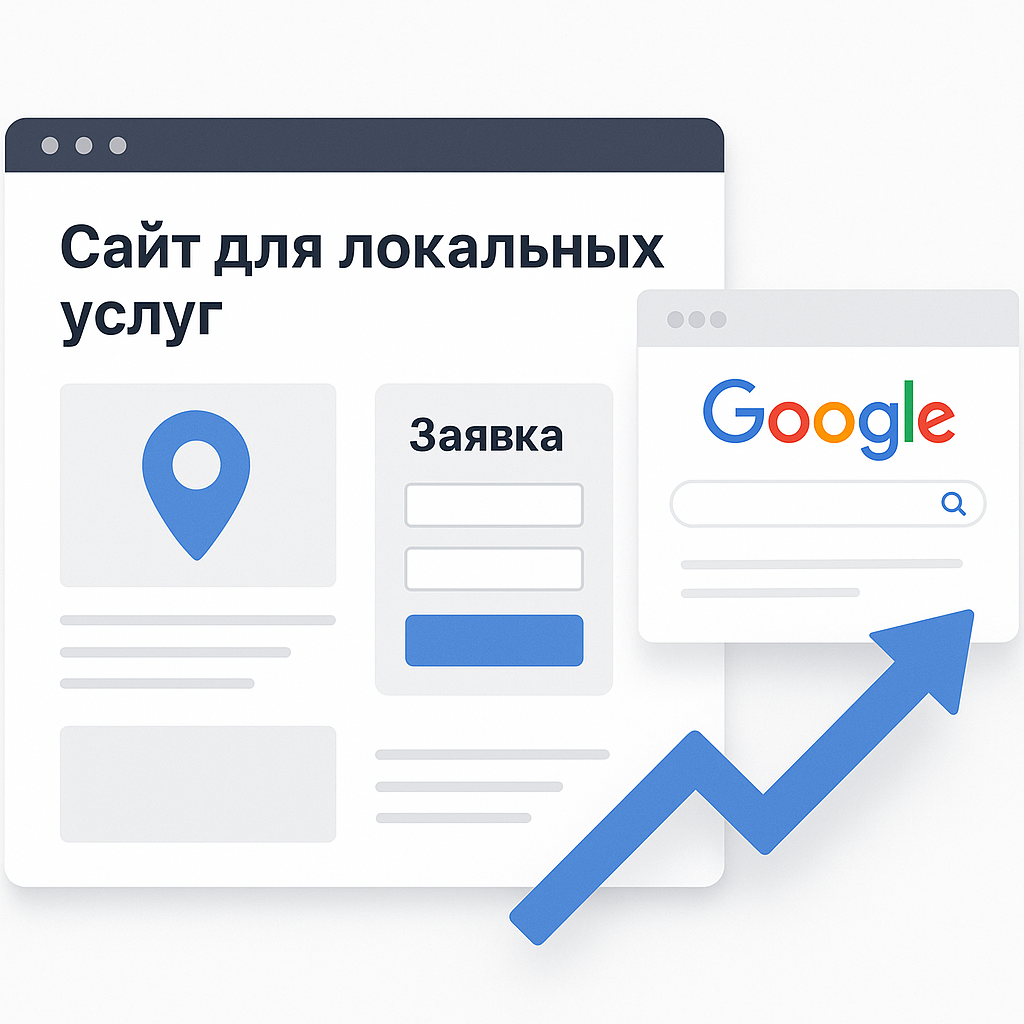
Local SEO: How to Promote Your Website on Google by City and Region
Local SEO starts with the right geography
Local SEO is the promotion of a website for queries where the city, region, or proximity to a location is important to the user. People don't just search for "electrician"; they search for "electrician Kyiv Obolon," "car service Lviv Sykhiv," "cleaning Odesa Tairova," "cargo transportation Dnipro Center," or "apartment renovation Kharkiv Saltovka." Therefore, a website for local services should clearly communicate to Google and the customer where you operate, what services you provide, and how quickly they can get in touch.
One of the most common mistakes Web-Raketa makes is creating a single, general "Services" page and trying to promote it across all services and areas. For Google, this is like telling a taxi driver, "We're going somewhere in the city." It seems like there's a destination, but it won't produce results. Systematic website promotion requires separate landing pages for key services, cities, and priority areas, if the business actually operates there.
For example, a home improvement company could create pages for "apartment renovations in Kyiv," "bathroom renovations in Pozniaky," and "kitchen renovations in Irpen." For a car repair service, pages could be created by district, car brand, or type of service: diagnostics, suspension, tire service, oil changes. For a cleaning service, pages could be created for apartment and office cleaning, post-renovation cleaning, and general cleaning in a specific city.
What's in a Basic Local SEO Strategy?
Effective SEO for local businesses isn't built on keyword-heavy text alone, but on a combination of technical optimization, structure, content, and trust. Strategy, not chaos, is key: first, local queries are collected, then pages are designed, and finally, meta tags, a sitemap, contact information, microdata, and analytics are configured.
| Local SEO Element | What needs to be done | Why does business need this? |
|---|---|---|
| Landing pages | Create pages for services, city, and district | Get traffic for specific local queries |
| Meta tags | Add the service, city, region, and a clear benefit to the title and description. | Increase click-through rate in search |
| NAP data | Please indicate the name, address and telephone number in a consistent manner. | Strengthen trust and local anchoring |
| Google Maps | Add directions, address, district, opening hours | Help the client quickly find a company |
| Schema markup | Use LocalBusiness, Service, FAQ, Review when data is available | Help search engines better understand the page |
| Content | Describe services, prices, service areas, examples of work and answers to questions | Create content that drives sales |
How Content Helps You Get Traffic That Converts
Local SEO content shouldn't be a bunch of phrases like "we're professionals with years of experience." Users want specifics: price, location, timeframe, what's included, what guarantees are provided, how to submit a request, whether they can message you on WhatsApp or Viber, and whether there are reviews or a portfolio. The more accurately the page addresses these questions, the higher the chance that organic traffic will turn into a request.
- Use local queries naturally: city, region, type of service;
- Add real photos of your work, objects, cars, team, or equipment;
- Show customer reviews and a link to your profile on Google Maps;
- indicate service areas: districts, suburbs, region;
- update prices, opening hours and departure conditions;
- Place the application form and call button next to important blocks.
So, a website for local services improves Google visibility not through "secret tricks," but through a clear structure, relevance, and customer benefit. Local SEO works best when a page responds to a real search scenario: a person is looking for a service nearby, sees a clear offer, trusts the evidence, and quickly contacts the business. This approach drives not just visits, but traffic that converts.
Google Maps and Company Profiles: Why Maps Work with Websites
Google Maps is not just a map, but a separate application channel
For local businesses in Ukraine, Google Maps often serves as a quick trust filter. A user searches for "car repair shop nearby," "cleaning services Kyiv Obolon," "electrician Dnipro center," or "apartment renovation Lviv," sees a map, ratings, reviews, and photos, and immediately decides whether to call, get directions, or visit the website. Therefore, a company profile on Google isn't just an extra checkbox, but part of the promotion system.
Website for local services Google Maps and Google Maps should work together. The map helps quickly get into the customer's sights, and the website provides details: services, prices, portfolio, service areas, application form, WhatsApp/Viber, case studies, and answers to questions. If the map profile is empty, without photos or reviews, and the website is separate, without an address or directions, the business looks like a person at an interview without a resume: they seem to have shown up, but they lack credibility.
Based on Web-Raketa's experience, local businesses receive better results when the information on their website and Google profile matches: company name, phone number, address or service area, business hours, categories, and list of services. This helps users avoid confusion, and Google more accurately associates the business with a specific location and topic.
What is required to fill out a Google company profile?
A company's Google profile shouldn't be a showcase for "we exist," but rather a mini-sales page. This is especially true for niches where decisions are made quickly: electricians, auto repair, cleaning, trucking, repair, or construction companies. The more useful and relevant information a client sees, the less hesitation they'll have before calling.
| Profile element | What to indicate | Why is this important? |
|---|---|---|
| Address or service area | Actual address of the office/service or departure areas | Helps to appear for local queries and near the client |
| Categories | Basic and additional categories of services | Google has a better understanding of what businesses do. |
| Opening hours | Opening hours, weekends, and holidays changes | The client understands whether it is possible to contact now |
| Photo | Team, office, garages, cars, equipment, work performed | Build trust and demonstrate the reality of business |
| Reviews | Regular real customer reviews and company responses | Affect trust and choice among competitors |
| Link to the website | Home page or relevant service page | Redirects the user to detailed information and the application form |
How a website and map reinforce each other in local search results
Google evaluates local businesses based on several practical signals: service relevance, proximity to the user, company awareness, data quality, profile activity, and user behavior. Businesses can systematically influence some factors: by completing their profile, collecting reviews, adding photos, listing services, and maintaining consistent NAP information—name, address, and phone number—on both their website and profile.
- Add a Google Maps map to your website with your address or service area;
- Please indicate your city, district, telephone number, schedule, and contact methods next to the application form;
- Link your Google profile to relevant service pages;
- Publish real photos of objects, cars, equipment, and the team;
- Respond to reviews calmly and professionally, even if the client has decided to write an emotional series in three acts;
- Fill out the question and answer section: price of the service, travel within the area, timeframes, payment methods.
When a Google Maps profile links to a strong website, and the website verifies the profile information, local SEO becomes more stable. Users see the business on the map, check reviews, visit the page, explore prices and portfolio, and then call or submit a request. This way, a website for local services receives not just increased organic traffic, but traffic that converts into real inquiries.
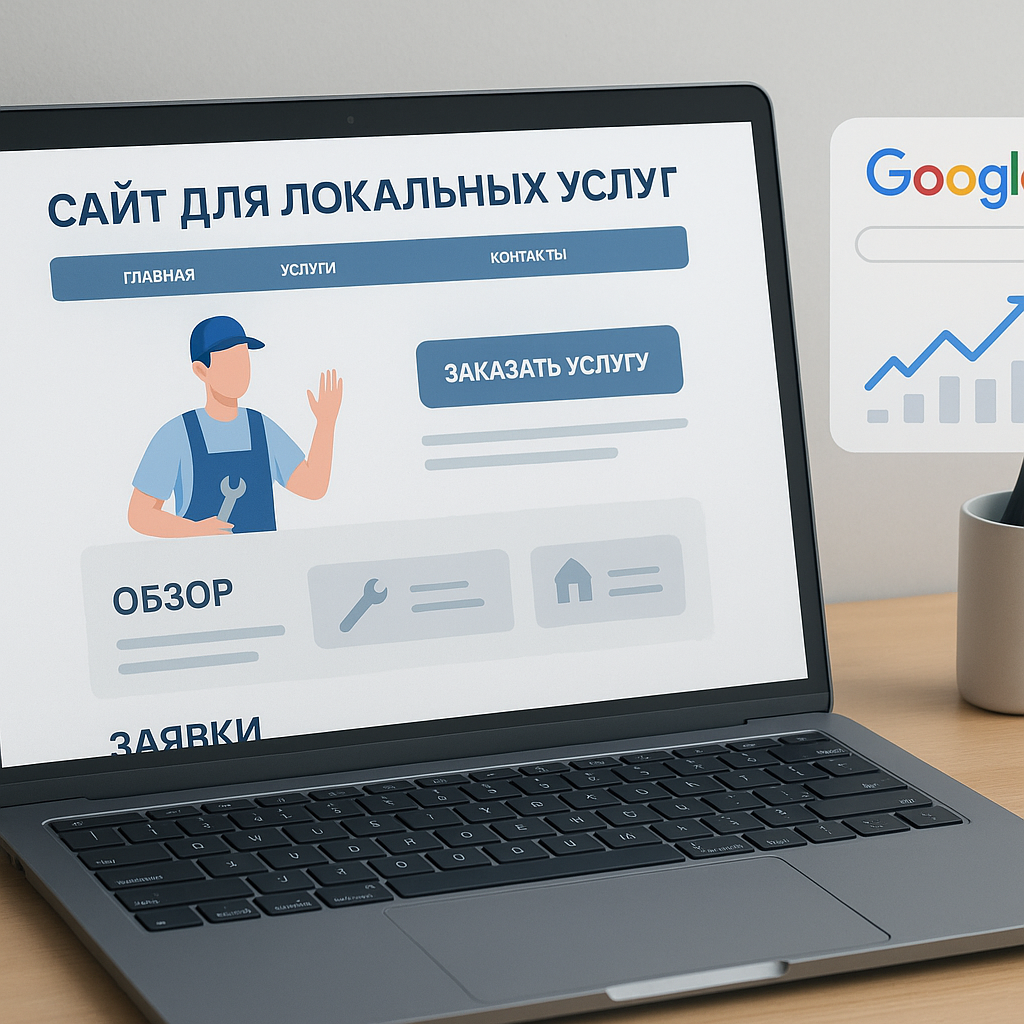
Errors on local service websites: what's stopping applications
Common errors that prevent a website from generating leads
Even good in design website for local services A website can perform poorly if it doesn't address basic user questions: where do you operate, how much does your service cost, can you be trusted, and how to quickly contact you. In local niches, customers don't want to navigate a maze of banners, generic phrases, and 12-field forms. They want to solve a problem: call an electrician, schedule a car service, order cleaning, find freight transportation, or choose a construction or repair company in their city or region.
Web-Raketa's projects clearly demonstrate that most often, requests are lost not because of "complex Google algorithms," but because of very mundane issues. For example, the title says "High-quality services for your home," but doesn't specify whether it's apartment renovations in Kyiv or an electrician in Obolon. The phone number is hidden in the footer, the request form asks for too much information, there are no reviews, prices are not listed, and the district pages differ only in the location name. Google doesn't like this either, and users especially don't.
| Error | Why is it interfering with applications? | What to do |
|---|---|---|
| No city in the headlines | The user and Google do not understand the geography of the service | Add service, city, and region to titles, meta tags, and text |
| The phone is hidden | A hot client can't get in touch quickly | Make the number and call button clickable on the mobile version |
| The form is too long | The user does not want to fill out the visa application form. | Leave your name, phone number, service, area and comment |
| No reviews | Lack of trust before ordering | Add reviews, a link to Google Maps, photos of your work, and case studies. |
| No prices | The client does not understand the budget procedure | Show minimum price, ranges or service packages |
| No mobile adaptation | Most local traffic comes from smartphones | Optimize speed, buttons, forms, and readability on phone |
Why don't identical district pages produce results?
One of the most dangerous mistakes in local SEO is creating dozens of pages for specific districts, changing only the title: "apartment renovation Kyiv," "apartment renovation Pozniaky," "apartment renovation Obolon," with the same text everywhere. At first glance, this seems like systematic website promotion. In practice, it's more like copy-pasting a construction worker's hard hat: it looks busy, but it's of little use.
For Google and users, each local page should have its own value. If you're promoting a local auto repair shop, show the address, map, directions, photos of the garages, services, and customer reviews from that location. If it's a cleaning service, list service areas, prices, cleaning types, deadlines, and sample sites. For freight transportation, routes, vehicle types, loading conditions, and an application form with addresses are important. For a construction or repair company, show a portfolio of projects, stages of work, estimates, and actual photos.
Practical solutions for growth without "magic"
To website for local services If your website starts generating more leads, don't rely on magical promotion. You need a strategy, not chaos: check your structure, strengthen local signals, remove barriers to entry, and add evidence of trust. This is a transparent approach to promotion, where each page block has a purpose: attract, explain, persuade, and engage.
- rewrite the first screens for a specific service, city and region;
- Place a call button, WhatsApp/Viber button and application form in visible places;
- create separate pages for key services, rather than one general one for “everything”;
- add prices, payment terms, departure zones and working hours;
- Build trust through reviews, portfolios, Google Maps, and real photos;
- adapt the website for mobile devices and check the loading speed;
- Make district pages unique: local details, cases, routes, customer questions.
This approach doesn't promise miracles overnight, but it does create the foundation for effective SEO. The website becomes easy for Google to understand, user-friendly, and useful for business. This means not just traffic increases, but traffic that converts into calls, inquiries, and actual orders.
FAQ: Frequently asked questions about the website for local services
How much does a website for local services cost and what determines the price?
The cost depends not only on the design but also on the task at hand: whether you need a simple landing page, a multi-page website for different services, city and district pages, a price calculator, WhatsApp/Viber integration, an application form, a portfolio, a blog, SEO structure, and analytics. For an electrician or a small cleaning team, a compact website with a clear service description, prices, reviews, and a call button is often sufficient. A car service, construction, or repair company typically requires a more in-depth format: separate service pages, case studies, photos of properties, Google Maps, and appointments for diagnostics or consultations.
Website for local services It's better to view it not as an internet expense, but as a working tool for attracting leads. If a page helps generate leads from Google, record service prices, and showcase reviews and a portfolio, it's contributing to the digital growth of your business. The cost of development should be tied to structure, content, SEO, and conversion, not just the number of pretty blocks. A beautiful website without leads is like a master's new tool sitting in his suitcase, bringing in no money.
Is a separate website needed for each city and how quickly can applications be received?
A separate website for each city is usually unnecessary if the business has a single brand and a unified service structure. It's often more effective to create separate landing pages for cities, districts, and service areas. For example, for a renovation company: "apartment renovation Kyiv," "bathroom renovation Pozniaky," "kitchen renovation Obolon." For cargo transportation: pages for urban transportation, moving, furniture transportation, mover services, and service areas. This approach helps local SEO and avoids dispersing trust across multiple websites.
The time it takes for leads to appear depends on the channel. Advertising can generate the first leads faster if landing pages, budget, geography, and ads are properly configured. SEO takes more time: you need to collect local queries, optimize pages, add content, reviews, Google Maps, technical edits, and analytics. Organic growth usually develops gradually, but with systematic work, it can generate stable traffic that converts. It would be nice to promise "learners tomorrow from SEO," but that's not marketing; it's guessing at meta tags.
The promotion forecast must be honest: advertising provides quick tests, while systematic SEO creates sustainable visibility.
What's more important for promotion: SEO, advertising, reviews, or Google Maps?
For a local business, a combination of tools, rather than a single magic button, is crucial. SEO helps boost Google visibility for queries specific to your city, region, and service. Advertising allows you to quickly test demand and generate initial leads. Google Maps helps you appear in local search results and display your address, service area, hours, photos, and reviews. Reviews build trust, especially in niches where customers care about quality: repair, construction, auto repair, cleaning, and transportation.
| Question | Short answer |
|---|---|
| Do you need reviews? | Yes. They influence trust, click-through rates, and choice among local competitors. |
| How to promote a website for an electrician? | Emphasize urgent dispatch, areas, prices for typical work, a call button, and reviews. |
| How to promote website for a car service center? | Show address, Google Maps, equipment, specialization, services, photos of boxes and online booking. |
| What is important for a cleaning company? | Cleaning packages, service prices, before/after photos, scope of work, reviews, and quick quotes. |
| What is important for cargo transportation? | Geography, vehicle types, address form, cost calculation, and contact via phone or instant messaging. |
| How to promote a construction or renovation company? | Create service pages, display portfolios, estimates, stages of work, areas, and real-life cases. |
The optimal strategy is not to blindly choose between SEO and advertising, but to develop a transparent approach to promotion. First, the website should be ready to receive requests: a clear structure, pricing, reviews, an application form, a call button, WhatsApp/Viber, and local pages. After that, you can integrate SEO, advertising, content, and link building without unnecessary fuss. This way, a website for local services becomes more than just a web page, but a practical solution for growth.
Conclusion: A Local Services Website as a System for Applications and Digital Growth
Effective website for local services This isn't an online business card with a phone number in the corner and the phrase "we work efficiently." It's a system that helps clients in a specific city or region quickly understand: you provide the right service, operate nearby, offer clear pricing, have reviews, real photos of your work, and a convenient way to contact you.
For an electrician, urgency, a call button, and a dispatch location are important. For an auto repair shop, it's Google Maps, photos of garages, equipment, and scheduling a diagnostic. For a cleaning company, it's service packages, pricing, and before/after photos. For freight transportation, it's routes, vehicle types, and a simple application form. For a construction or repair company, it's a portfolio, case studies, estimates, work stages, and trust. The structure may be general, but the emphasis should always align with the client's decision-making process.
A website starts generating leads when key elements are integrated: the first screen with the service and city, clear service pages, clear pricing, reviews, portfolio, Google Maps, local SEO, mobile adaptation, an application form, a clickable phone number, and WhatsApp/Viber. If one of these elements is missing, the user may switch to a competitor—sometimes faster than a technician can find the right screwdriver.
Web-Raketa's approach is strategic, not chaotic: first, we analyze the niche, city, region, competitors, and search queries, then we build a structure, build trust, optimize pages, and implement effective SEO. This transparent approach to promotion helps drive not just visits, but traffic that converts. This is how a website becomes a practical solution for growing a local business on Google.
Also useful is a special website for photographers - Website for photographers: portfolio, prices, and applications.