183
183 1) A Photographer's Website in 2026: Why Instagram Is No Longer the "Main Storefront"
The short answer: in 2026, you need a website if you want controlled applications, not just a matter of luck.
If you're a photographer and want more than just likes, but consistent leads, a photographer's website offers what Instagram doesn't: visibility in Google, a manageable lead flow, and a robust pricing presentation without the need for "direct messages." On this page, we'll explore why social media has ceased to be the primary showcase, how a website can facilitate systematic website promotion, and where photographers most often receive leads.
This article is useful for local businesses. Local Services Website: Page Structure, Applications, and Google Search Engine Optimization.
To make things as clear as possible, here's a quick reference:
| What is needed | Photographer's website | |
|---|---|---|
| Applications under control | Partially: depends on coverage and incoming traffic | Yes: form, analytics, scripts, auto-responses |
| Traffic from Google | Almost none | Yes: SEO pages for queries |
| Portfolio without chaos | The tape mixes everything up | Yes: gallery by genre/package |
| Prices and service packages | Often "in direct" | Yes: structure, comparison, additional options |
Fits: wedding photographers, family/children's photographers, commercial photographers (products/content for brands), those who work in Ukrainian cities and want to increase their visibility in Google.
Not suitableIf you're just shooting for fun a couple of times a month and fundamentally don't want a system, analytics, or a predictable flow of requests, then yes, you can live in stories and hope for the best.
Instagram is a rented booth at someone else's exhibition (and the security guard may change)
Our experience with projects is simple: social media is good for building engagement and trust, but as a sole channel, it's a strategy, not chaos... or rather, it's chaos masquerading as strategy. Algorithms cut your reach, the feed mixes your best shots with memes and cat photos, and someone looking for a wedding photographer's website on Instagram often doesn't "search"; they just "swipe."
And the most common scenario for losing money: someone is ready to buy but not ready to send a direct message. In Ukraine, this is especially noticeable in niches with above-average sales: people want to see the terms, prices, examples, contract, and geography—and then place an order without engaging in 17 messages.
Website = systematic website promotion: Google brings in those who are already looking for a photographer
When we build a website for a photographer, we view it as a tool for effective SEO: to ensure that pages appear in Google for real queries: "photographer Lviv prices," "wedding photo shoot Kyiv packages," "photographer at a Christian church in Odessa," etc. This is traffic that converts, because people come not just to "look," but to choose and order.
From experience: on one project, a photographer had strong images but no structure. We divided the portfolio into genres, added service packages with clear distinctions, and created separate pages for locations and client pain points (timeframe, what's included, how the shoot works). As a result, the website started collecting requests even on days when Instagram is quiet—because the search is open 24/7 and doesn't ask whether you've posted a reel today.
Application control: application form, analytics, and fewer lost applications
A photographer's website isn't "just another business card," but a point of control. A robust application form and analytics provide a transparent approach to promotion: you can see where the client came from, what page they viewed, and where they had doubts. This allows you to improve instead of guessing.
- An application form with fields for date/city/shoot format means less back-and-forth and more clarity.
- A "prices" page without shame or mystery: people choose faster, with fewer "how much does it cost?"
- Portfolio as gallery according to the client’s needs, and not “all the best at once.”
In 2026, those who build digital business growth will win: a website + SEO + content that drives sales. Instagram remains important, but as a channel of trust, not as the sole entry point.

2) Photographer Portfolio Website: How to Build a Portfolio and Gallery That Sells, Not Just Gets Liked
A Portfolio That Sells: Structure is More Important Than the "30 Most Beautiful Photos"
On website for a photographer People don't come to like. They come to compare, understand style, see predictable results, and decide whether to contact you or "look elsewhere." Therefore, a photographer's portfolio website should answer the client's question: "You shot exactly what I needed—and I can see how it will look."
From Web-Raketa projects: the most common mistake is a single, unified "Best" feed. Colleagues like it, but it converts worse. For a client looking for wedding photographer's website, there is no need to scroll through the items, and the brand - the bride's morning preparations (no matter how cinematic it may be).
“Beautiful is when the client understands exactly what he will buy.”
The working logic is to organize your portfolio by category and purpose. The minimum set: weddings, family, individual, and commercial. If you shoot in several cities in Ukraine, add pages by city or location (this helps both with SEO and decision-making).
To make your selection easier, we often recommend this gallery "skeleton":
- Sections by direction: 4–6 categories, no more (otherwise navigation turns into a quest).
- Inside there are 8-20 photos that show the full range: light, emotions, details, different plans.
- A separate "similar footage" block at the bottom is to prevent people from running into a dead end.
Cases instead of a scattering of personnel: trust, context, and conversion
If you want traffic that converts, add case studies. A case study isn't "just another gallery," but a story: client's task → conditions (location, time, format) → 15-40 photos + 2-3 paragraphs of text. This content works in three directions at once: it builds trust, increases time on page (behavioral factors), and provides textual relevance to search engines.
In practice, it looks like this: a client searches Google for "couple photoshoot Lviv price," lands on a case study titled "Love story in Lviv at sunset," sees a clear image, reads how you handled posing and timing, and is more likely to submit a request. This is "content that drives sales," not just a showcase.
For SEO, it is useful for the case to have: a title with the direction and city, a short description, and links to relevant service packages or the "prices" page.
Navigation and speed: the gallery should open faster than the customer has time to change their mind
As trite as it may sound, a portfolio won't sell if it's slow. We've seen countless examples of stunning images being "killed" by heavy images on mobile devices. In Ukraine, smartphones account for the lion's share of traffic, and that's where the fate of an application is decided.
What do we put in website for a photographer The standard for a "healthy gallery": image compression without visible loss of quality, loading as you scroll, clear "next/previous" buttons, and no pop-ups that obscure photos. Plus, neat captions and alt text (this helps Google understand what's in the frame and generates additional organic traffic).
And most importantly: a portfolio should lead to action. After each gallery or case study, there should be a prominent button or request form: "Find a Available Date," "Request a Quote," "Get a Package Selection." Beauty without a next step is like a perfect photo book forgotten in a drawer.
There is also material Website for a construction company: portfolio, services, and applications, which is useful reading for service owners and contractors when planning their portfolio structure and service delivery.
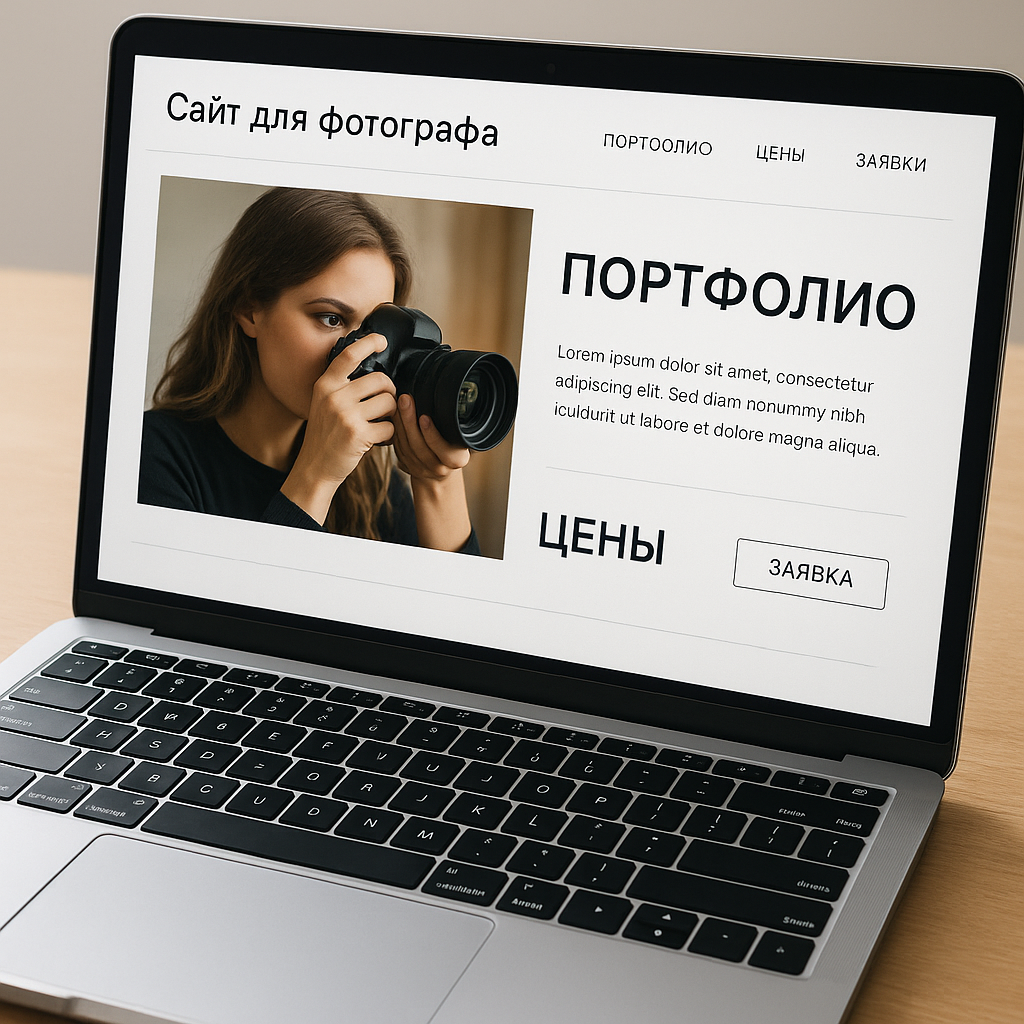
3) Wedding photographer's website: trust, emotion, and specifics (before/after, reviews, process)
Wedding Page: Not "the most beautiful," but the most understandable for the couple
When we do wedding photographer's websiteWe always keep one thing in mind: the client isn't buying photographs—they're buying peace of mind. It's important for them to know you won't get lost in timing, won't screw up the registry office because of the lighting, and won't turn the walk into a posing exam. Therefore, website for a photographer In the wedding niche, it should simultaneously convey emotion and specifics: what will happen, how you work, and why this is a safe choice.
In practice, a separate "Wedding Shoot" landing page (rather than just a portfolio folder) works best. It has three layers:
- Emotion: 1–2 strong shots + a short message about the style (reportage/staging/mix).
- Proof: cases, reviews, experience figures (without pathos), publications/partnerships, if any.
- Action: “Check date” button + application form (date, city, format).
A nuance for Ukraine: many couples plan their wedding in another city (Kyiv-Lviv, Odesa-Dnipro, etc.). Therefore, it's important to clearly indicate the location and travel arrangements on the page—this eliminates unnecessary questions and speeds up the application process.
Full-Day Case Studies and Before/After Blocks: How to Increase Trust and Conversion
In the wedding niche, the "best of 5 years" gallery almost always loses to the "one wedding from dawn to dusk" case study. Why? Because the case study demonstrates predictability: how you capture the preparations, the ceremony, the reception, the evening lighting, the parents' emotions—everything that will actually happen to the client.
We've worked on projects where, after adding 6-8 full-fledged case studies (each with a brief description of the location, timing, format, and what was important to the couple), organic traffic conversion increased significantly more than with yet another "expensive" design. People started submitting requests because they saw the process and results in real time.
"I don't need a perfect shot. I need to know that you can handle my day."
The unit works well separately. before/after — but not in a "Photoshop magic" style, but honestly: the initial conditions (rain, a bad hall, a dark registry office) and how you solve them: lighting, angles, timing, working with the couple. This alleviates fears and builds trust.
“The couple chooses the one who solves problems before they become problems.”
Reviews and the process: what exactly to write so it sells (and doesn't look like "Mom said I was great")
Reviews for a photographer's website shouldn't just be "everything was great." The most compelling ones are those that include details: how you helped with posing, how you conducted yourself at the ceremony, how quickly you delivered the materials, what you did when it rained or the timing was delayed. We usually format reviews as cards and include two or three photos from the wedding—this connects the words to reality.
Another powerful section is "How the Shoot Works": step-by-step, in layman's terms. For example: introduction → preparation and checklist → shooting → selection and processing → handover. This reduces anxiety, improves the quality of leads, and helps with advertising: people see the structure and are more likely to trust.
And finally: if you're running an ad, direct traffic not to your general homepage, but to your wedding page or case study. Converting traffic loves precise answers to precise questions—especially when the question is "Who should I trust on my most important day?"
4) Service packages and prices: how to display prices without scaring off customers or drowning in correspondence
Prices on the website: not a "secret direct message," but a filter for unnecessary correspondence
When someone comes to a photographer's website from Google or an ad, they're usually already comparing options. And when they see "personal prices" instead of prices, magic happens... but not the kind you want: the client closes the tab and goes somewhere else where everything is clear. Sure, some people will write. But others simply won't initiate a conversation because they're "embarrassed to ask" or "maybe it's too expensive."
We have seen this dozens of times: after the publication of adequately packaged service packages The number of dialogues decreases, and the quality of applications improves. You spend less time explaining basic things and more time discussing details: date, format, location.
A working compromise for Ukraine: display prices in hryvnia (UAH) and specify a starting price range if the service is highly dependent on the terms and conditions. For example: "Wedding photography from UAH XX,000" plus what's included and what factors influence it (city, hours, second photographer, timing).
How to assemble service packages: 3 levels, clear distinctions, and value anchors
Packages shouldn't differ based on "plus 50 photos," but rather on what's truly important to the client: shoot time, delivery time, second photographer, photo book, retouching, pre-wedding shoot, and multi-location coverage. Ideally, a client should be able to determine which package is right for them within 60 seconds on the "Pricing" page.
We typically recommend a three-tiered plan: Basic/Optimal/Advanced. The mid-tier package is most often chosen if it feels like a "reasonable maximum for a reasonable price." This is the value anchor: you don't manipulate, you structure the choice.
| Plastic bag | For whom | What is important to indicate |
|---|---|---|
| Base | Small wedding/registration | Hours, number of photos, delivery time, transfer format |
| Optimal | Most couples | Better balance: more time, priority processing |
| Extended | Big day/two locations/second photographer | Team, photo book, expedited delivery, additional shooting |
And yes, "what's included" should be written in human language. Not "up to 400 frames," but "you get the story of the day: emotions, details, people, key moments—without missing anything important."
Additional options, prepayment, and seasonality: what works in Ukraine without unnecessary "magic"
A good pricing page reduces your workload and increases conversion if it includes additional options and rules. These aren't "upsells for the sake of upselling," but rather tailored to the client's needs: out-of-town travel, a second photographer, express delivery, a photo book, an extra hour, a love story.
One website for a photographer We redesigned it so clients could immediately estimate the budget: a package plus 2–3 add-ons. As a result, requests became more precise: people specified the desired format, rather than asking, "How much does it cost in total?"
It is important to write down separately:
- prepayment and conditions for booking the date (in UAH, without ambiguity);
- deadlines for delivery of materials and what is considered “urgent” processing;
- seasonality (for example, high season and holidays) - it's better to be honest than to later explain "why it's more expensive."
It looks mature, builds trust, and saves you time. And time, as we all know, is part of the package. It's just that people often forget to mention it.
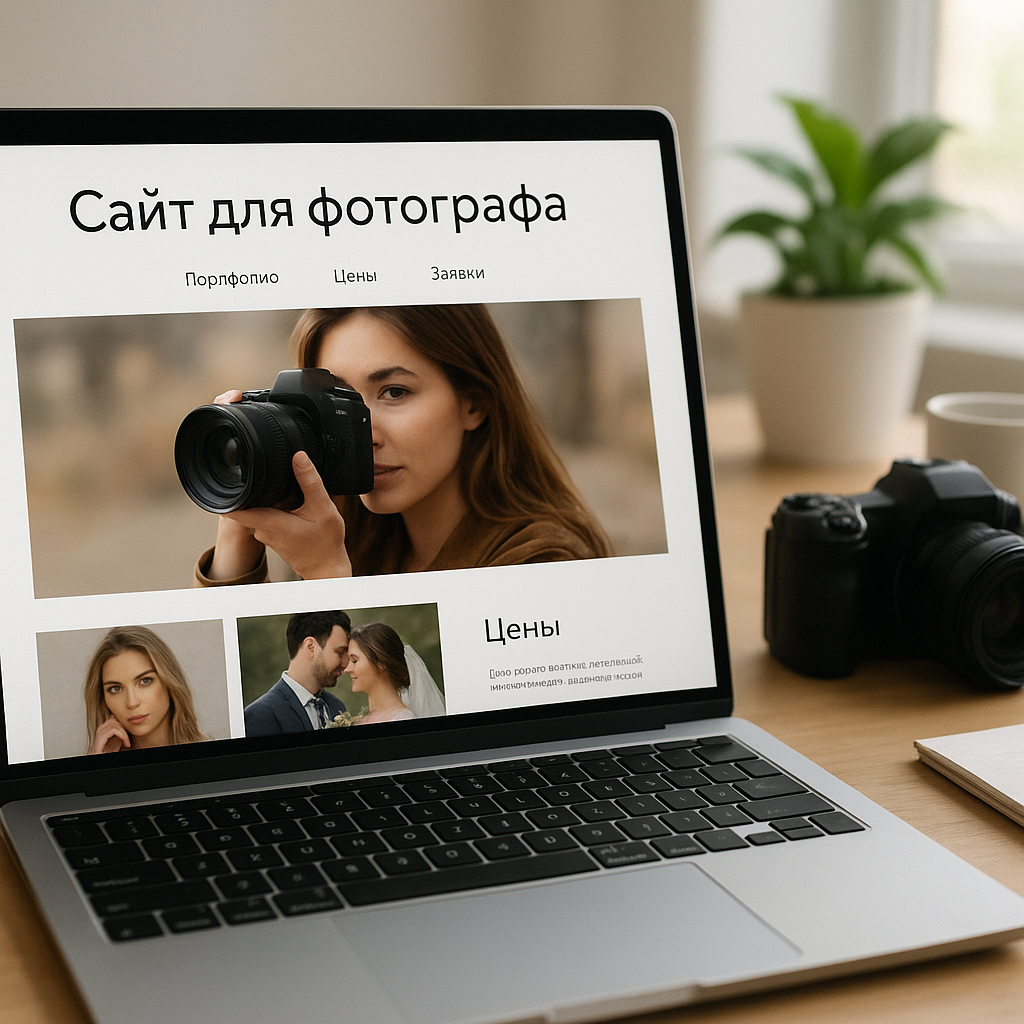
5) Application Form and the Client Journey: How to Turn a Photographer's Website into an Application Machine Without Chaos
The application form is not a “name box,” but a point where you either win or lose a client.
A beautiful website for a photographer without a well-designed application form is like a camera without a memory card: everything seems professional, but the results are often a distant memory. In reality, clients often make decisions quickly, especially if they've come from an ad or organic search with an intent-based search ("prices," "wedding photographer," "book a date"). Therefore, the purpose of the form is to eliminate friction and immediately provide a clear next step.
At Web-Raketa, we've seen a common pain point: you have traffic, a strong portfolio, but few applications. You open your website and there's a 10-field form, a captcha, and a "Submit" button. At that point, the client remembers they have more important things to do and leaves. Not because you're a bad photographer, but because the client's journey is like an obstacle course.
“Conversion rates fall not because they are expensive, but because they are difficult.”
Communication scenarios: messengers, email, phone calls – but with one main route
In Ukraine, most inquiries are made through messaging apps, but that doesn't mean you need to use seven buttons: "Viber/Telegram/WhatsApp/Instagram/Call/Text/Blink." Paradoxically, a lack of structure reduces conversion. A working approach is one main CTA (for example, "Check date and price") and one or two alternatives for those who really want to use messaging.
A good practice: after submitting a form, display a "Thank You" page with clear expectations: when you'll respond, how to contact them urgently, what to prepare. And be sure to track requests in one place: email + CRM/spreadsheet + Telegram notification. Then your transparent approach to promotion manifests itself in a simple way: you don't lose leads.
The minimum set of channels that usually works best is:
- application form (main);
- Telegram as a fast channel for confirmation;
- call - for urgent/complex cases (optional).
"If an application can get lost, it will get lost. That's the law of the digital universe."
Qualification and automation: less chaos, more "own" clients
Strong photographer's website It doesn't just collect contacts—it filters out random people and speeds up dialogue with your target audience. To do this, the form should include 3-5 qualifying questions that aren't annoying and save time for both parties. For example: date, city, type of shoot (wedding/family/content), desired package, and convenient contact information. This is enough to immediately understand the context and provide a precise answer, rather than starting with "tell me more."
A separate conversion booster is a calendar or time slot selection for calls. It's not suitable for everyone, but it's great for commercial shoots and busy couples: the person schedules the time, and you get predictable contact.
Automation that's truly useful (no "magic"): an auto-response after a request with a preparation checklist, a link to a portfolio for the desired area, and a reminder about booking conditions. Plus, there are events in analytics (form submissions, messenger clicks, pricing page views). Then you can see exactly where the funnel is breaking down and improve the website as a system.
The bottom line is simple: a "request engine" isn't about aggressive pop-ups. It's about a clear customer journey, where each action logically leads to the next and turns converting traffic into real bookings.
6) SEO for a photographer's business: pages for services, cities, and queries – effective SEO without unnecessary noise
SEO for a photographer is not about “writing 20 articles,” but about building a structure that meets demand.
When we talk about effective SEO for a photographer, we're not talking about "placing keywords somewhere." It's about strategy, not chaos: you create pages that answer specific queries and lead directly to the application. Then, a photographer's website starts collecting organic traffic consistently, not just occasionally.
In Ukraine, search demand for photography services is quite strong, especially across cities and formats: weddings, family photos, business content, product photos, and reportage. And these searches often have high commercial intent: people are already choosing and comparing. Your goal is to direct them to the "right page," not just redirect them to your homepage with a generic gallery.
It is also useful to review the technical development guidelines: Website Development for Electricians: A Complete Guide 2025 — there are practical tips on speed, mobile, and structure that are also applicable to websites.
A practical approach: first collect the semantics (including options like photographer's website, website portfolio photographer, "photographer + city + prices," "wedding photographer + city," "brand photo shoot"), then organize it by page type. And only then write the texts and assemble portfolio for each service.
What pages are really needed: services, cities, case studies, and "prices" as a conversion point
In terms of systematic website promotion, the minimum structure for a photographer typically looks like this: separate service pages + local landing pages + case studies. This allows you to simultaneously meet demand (SEO), build trust (case studies), and lead to a request (prices/packages + form).
One of the most effective templates we've used on projects:
- Services: "Wedding photography", "Family photo session", "Content for business", "Product photography".
- Cities: "Photographer Kyiv", "Photographer Lviv", "Photographer Odessa" (only if you actually work there/on the road).
- Cases: “Wedding in [location/city]”, “Content shooting for [niche]”.
- Page «Prices And service packages» + built-in CTAs on all key pages.
To avoid creating “empty” pages, make each landing page useful: 6–10 questions and answers about the service, examples from portfolio, conditions, terms, geography, and next to it is the “Check date” button or application form.
Local SEO in Ukraine: How to Boost Google Visibility and Avoid Copypasta
Local SEO isn't just about saying "I work all over Ukraine," but showing relevance to the city/region: locations, sample shoots, logistics, travel arrangements, and clear pricing in UAH. Important: don't create identical pages for 15 cities, replacing "Kyiv" with "Dnipro." That's not "optimization"; it's a ticket to the "not ranking" section.
What really helps improve visibility in Google: unique case studies by city, actual names of venues/locations, and separate sections about "how we work in this city." Plus the basics: a correct title/description, a fast mobile site, microdata (where appropriate), and internal linking between services, case studies, and prices.
And finally: SEO for a photography business goes well with advertising. Advertising provides quick tests of demand, while SEO provides long-term visibility. website for a photographer connects this into one system: traffic → trust → understandable packets → request.
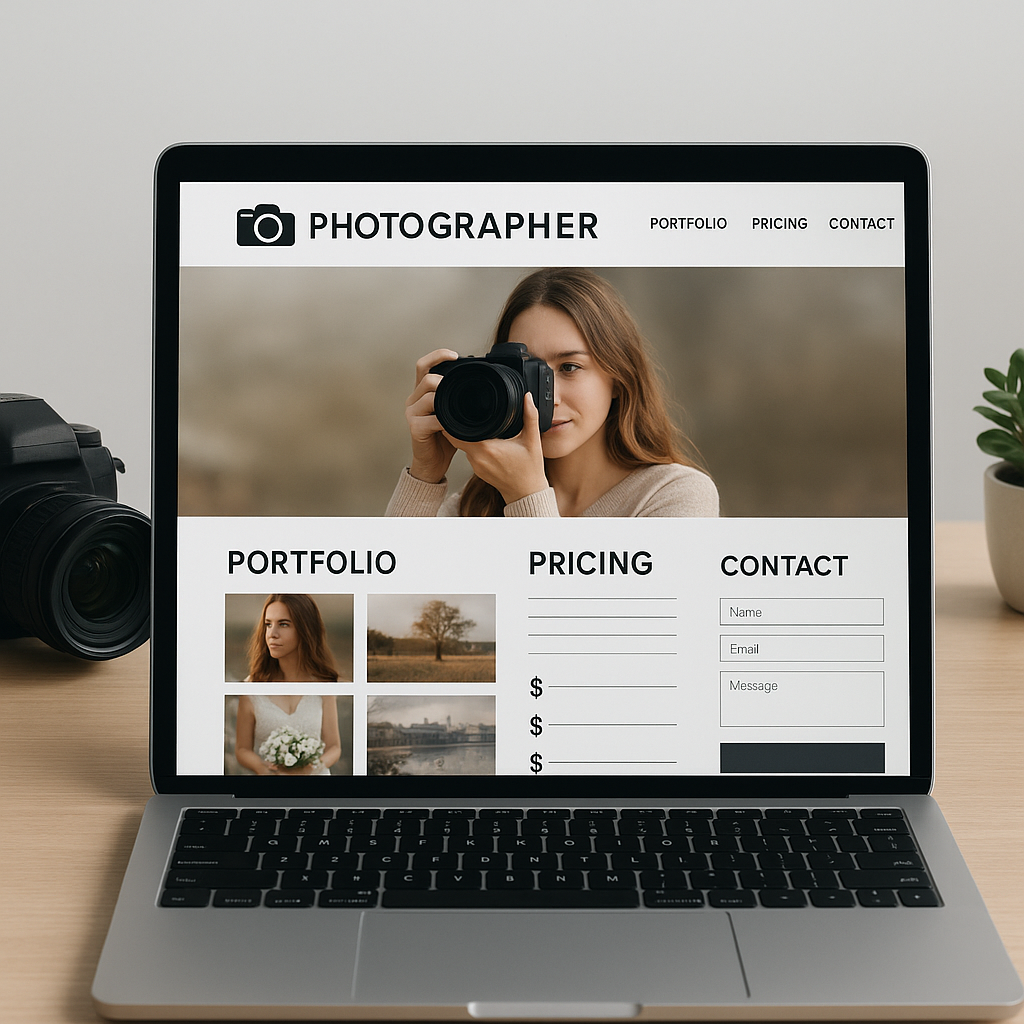
7) FAQ: Frequently asked questions about a photographer's website (portfolio, pricing, applications, SEO)
Gallery or case studies: what's more important for sales and SEO?
If you choose one, case studies almost always win in terms of conversion: they provide context, allay fears, and show "how it would work for me." A gallery is necessary, but only as a quick overview of the style and entry point to sections. A practical diagram for website for a photographer: on the main pages of services - 1 short gallery + 3–6 case studies (e.g., "full wedding/brand shoot/family story"). This way, it's clear to the client, and Google has something to rank for.
How many photos should I upload, should I list prices, and how often should I update the website?
When it comes to photos, the rule "less is more" applies. 8-20 photos are usually enough for a single gallery, and 15-40 for a case study to tell a story without the feeling of an endless feed. Uploading 200 photos to a page will most likely result in two problems: a drop in speed (especially with mobile traffic in Ukraine) and customer "choice fatigue." Image optimization (modern formats, compression, lazy loading) isn't just decoration, but basic hygiene.
It's worth listing prices. It doesn't have to be down to the last penny if the cost depends on the terms, but at least a range or "from UAH XXXX" with a clear breakdown. service packagesThis reduces the number of "how much?" conversations, improves the quality of applications, and makes your approach more transparent. Hidden prices Sometimes they operate in the premium segment, but they compensate for this with a strong brand and a constant stream of recommendations. If you're developing SEO for your business and want traffic that converts, a "Pricing" page is almost always a must.
You don't need to update your website constantly, but you should do it regularly. A practical minimum would be to add a new case study or update your portfolio in key areas every 1-2 months. photographer's portfolio websiteA photographer's profile is both "freshness" for the client and a signal to searchers that the project is live. If demand is seasonal (weddings, graduations), it makes sense to update texts and terms for the season to avoid questions about "2024 prices" in 2026.
What to do with the application form and when to expect increased visibility in Google?
The application form should be short and to the point: name, date, city, shoot format, and contact method. The fewer unnecessary fields, the higher the conversion rate. A mandatory requirement is a confirmation that the application has been submitted and a clear "what next" plan (when you'll respond, how to contact them urgently). If there are multiple application channels (messengers, phone calls), keep the primary route to one—otherwise, you'll create chaos and start losing leads.
It's important to be honest about SEO timelines: Google visibility rarely improves "overnight." Typically, the first noticeable changes can be seen 6-12 weeks after proper structure, indexing, and the first content pages, while sustainable growth in organic traffic takes 3-6 months, depending on the competition in the city and the amount of work (content, speed, internal optimization, links). Advertising can generate leads faster, but it's precisely website for a photographer will determine whether this traffic will pay off.
8) Conclusion: A photographer's website as an asset - less correspondence, more requests, and digital business growth
In 2026, a photographer's website isn't just "another page," but an asset that gives you back control. Instagram and other social media remain useful for building trust and nurturing engagement, but as a sole showcase, they're too dependent on algorithms and audience sentiment. A website, on the other hand, offers systematic website promotion: a clear structure, increased visibility in Google, and a predictable client journey from portfolio viewing to application.
The key idea is simple: it's not the number of photos that sells, but the logic. When a portfolio is organized by focus, case studies show the "full day," testimonials provide details, and service packages prices Formulated without riddles, you get fewer "how much does it cost?" messages and more inquiries from people who already understand the format and are ready to book.
Then it all comes down to conversion: a proper application form, 1-2 communication scenarios (without a ton of buttons), qualifying questions, and basic automation. This isn't "magic," but a transparent approach to promotion: you see where the lead came from, what they viewed, and where they hesitated—and you improve the website as a system.
- SEO for Business A photographer works when there are pages for services and cities, and not one main one “about everything.”
- Content that drives sales is case studies and answers to customer questions, not just “pretty text for the sake of text.”
- Speed and mobile convenience are essential, as Ukrainian traffic most often comes from smartphones.
"A website doesn't make you a better photographer. It makes it easier for people to find you."
If you want the next step without promising "instant results," start with an audit: review your portfolio structure, pricing page, application form, and Google landing pages. Next, a 4-8-week work plan will be developed: conversion rate adjustments, basic SEO, and a few strong case studies. This way, a photographer's website becomes a digital business growth tool: peace of mind for you and clarity for your clients.